Spark
Hands-on learning for children in a digital world.
Spark
Spark
YEAR:
YEAR:
2024
2024
DURATION:
DURATION:
10 WEEKS
10 WEEKS
COOPERATION:
COOPERATION:
CISCO
CISCO
Hands-on learning for children in a digital world.
Hands-on learning for children in a digital world.
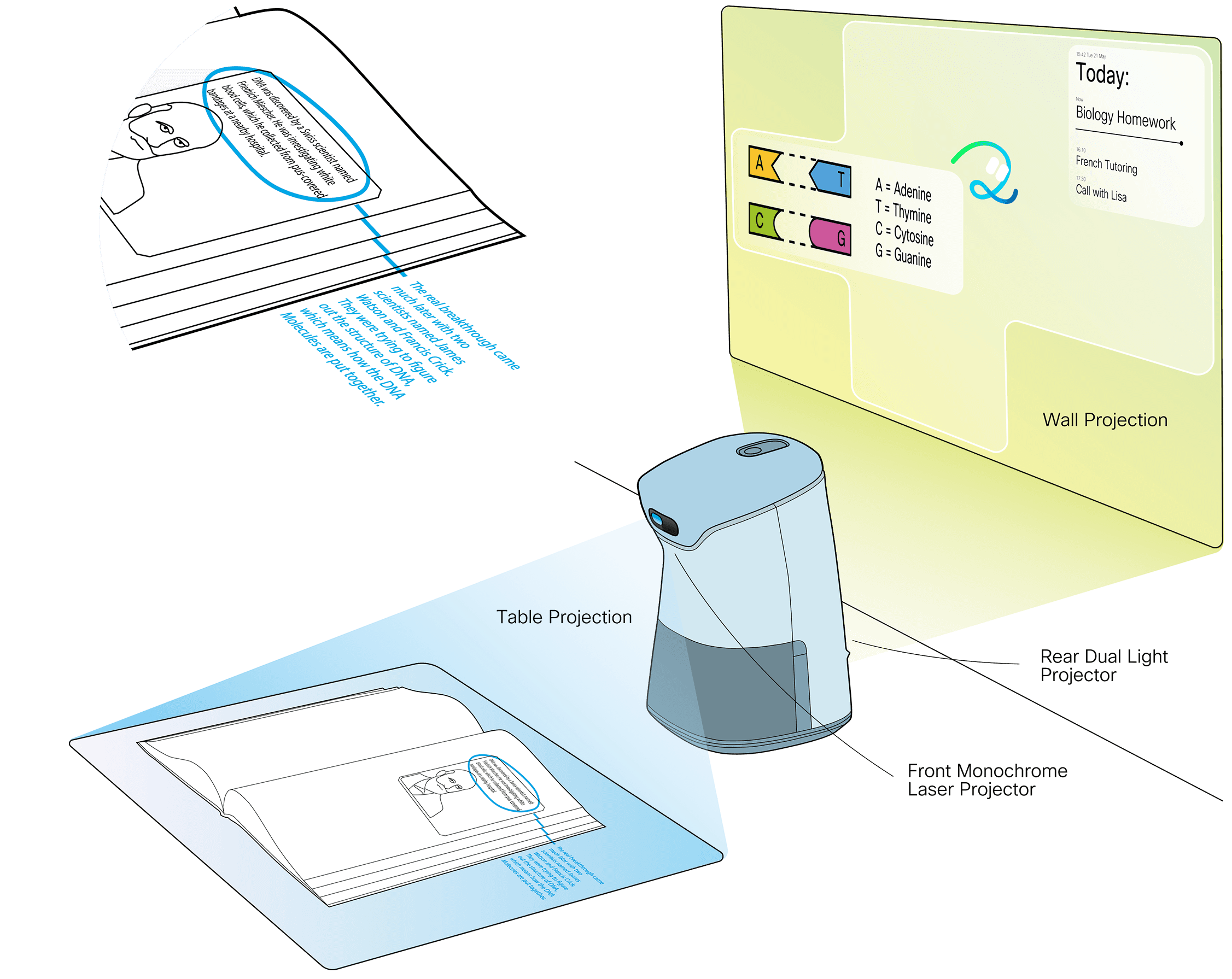
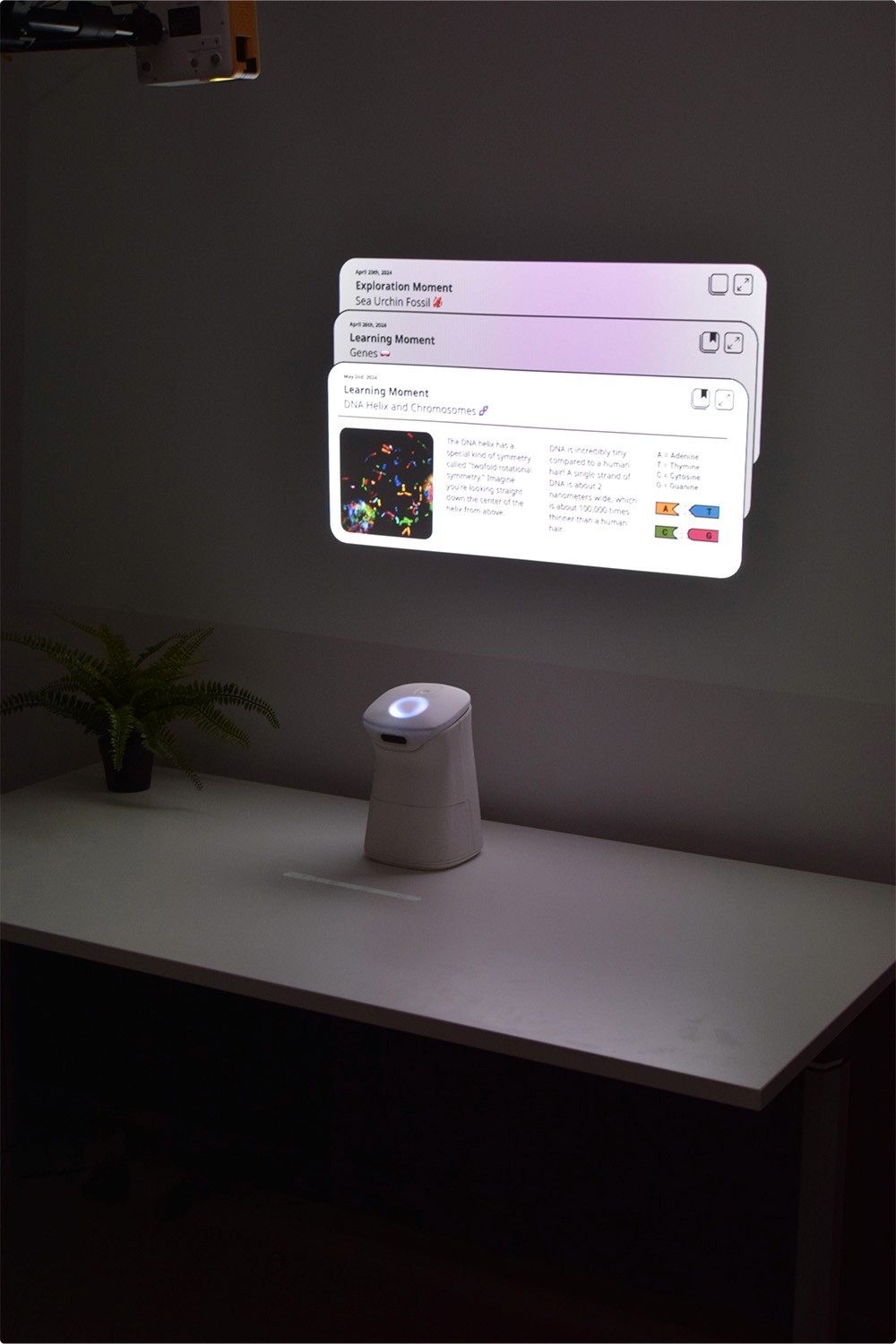
Spark is designed to extend learning beyond the classroom, supporting children with homework, tutoring, or even playful explorations. Rather than increasing screen time, Spark uses laser projections to create an immersive, hands-on learning environment in combination with analog materials like school books and notebooks.
Spark is designed to extend learning beyond the classroom, supporting children with homework, tutoring, or even playful explorations. Rather than increasing screen time, Spark uses laser projections to create an immersive, hands-on learning environment in combination with analog materials like school books and notebooks.


Challenge
Challenge
The classroom is the best learning environment for children, where they are supported by teachers and enriched by social interactions with classmates. However, after school, when it‘s time to go home, children are often left to their own devices. So - how might we assist children in their independent learning moments outside of the school environment?
The classroom is the best learning environment for children, where they are supported by teachers and enriched by social interactions with classmates. However, after school, when it‘s time to go home, children are often left to their own devices. So - how might we assist children in their independent learning moments outside of the school environment?
Ideation
Ideation
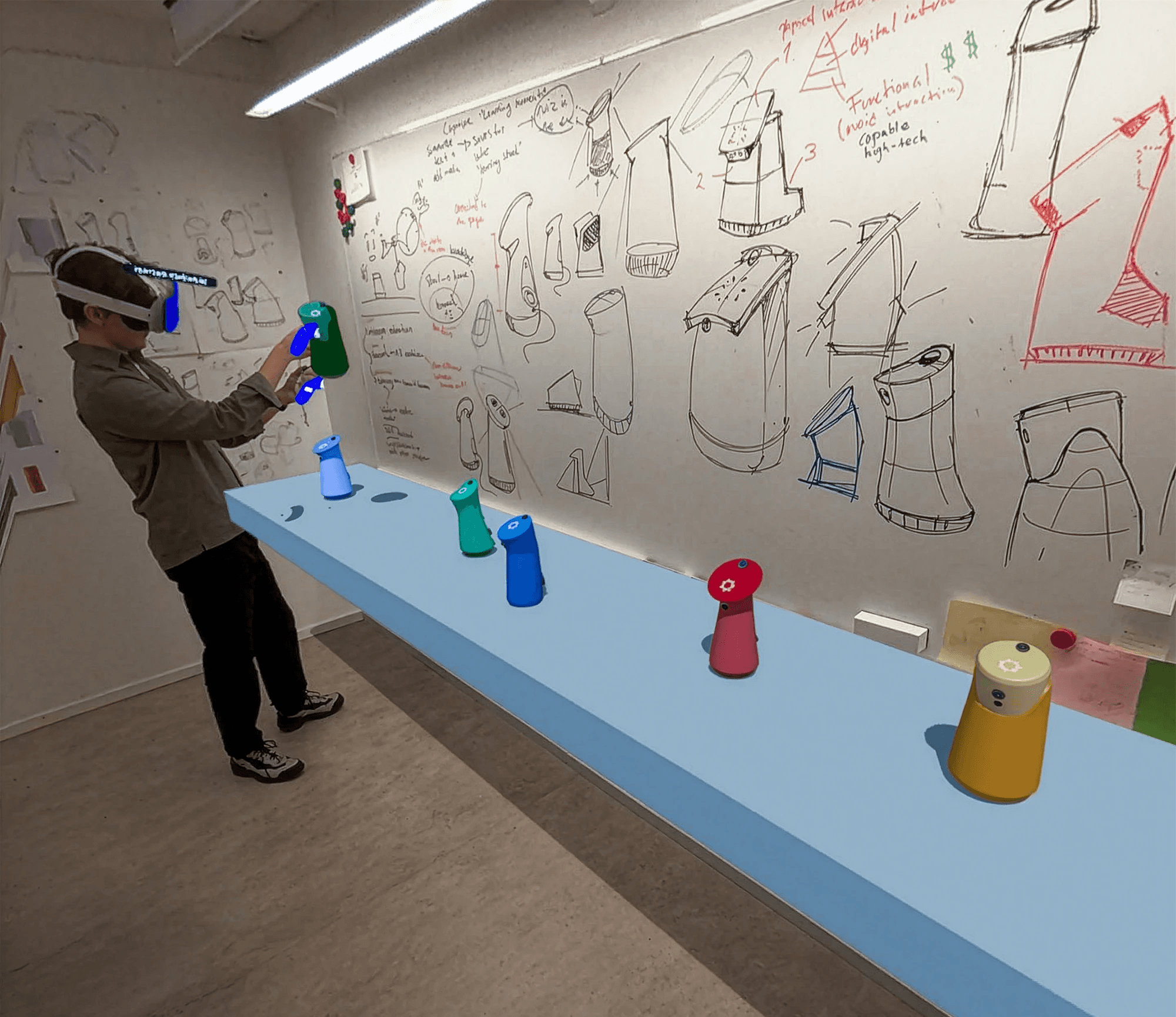
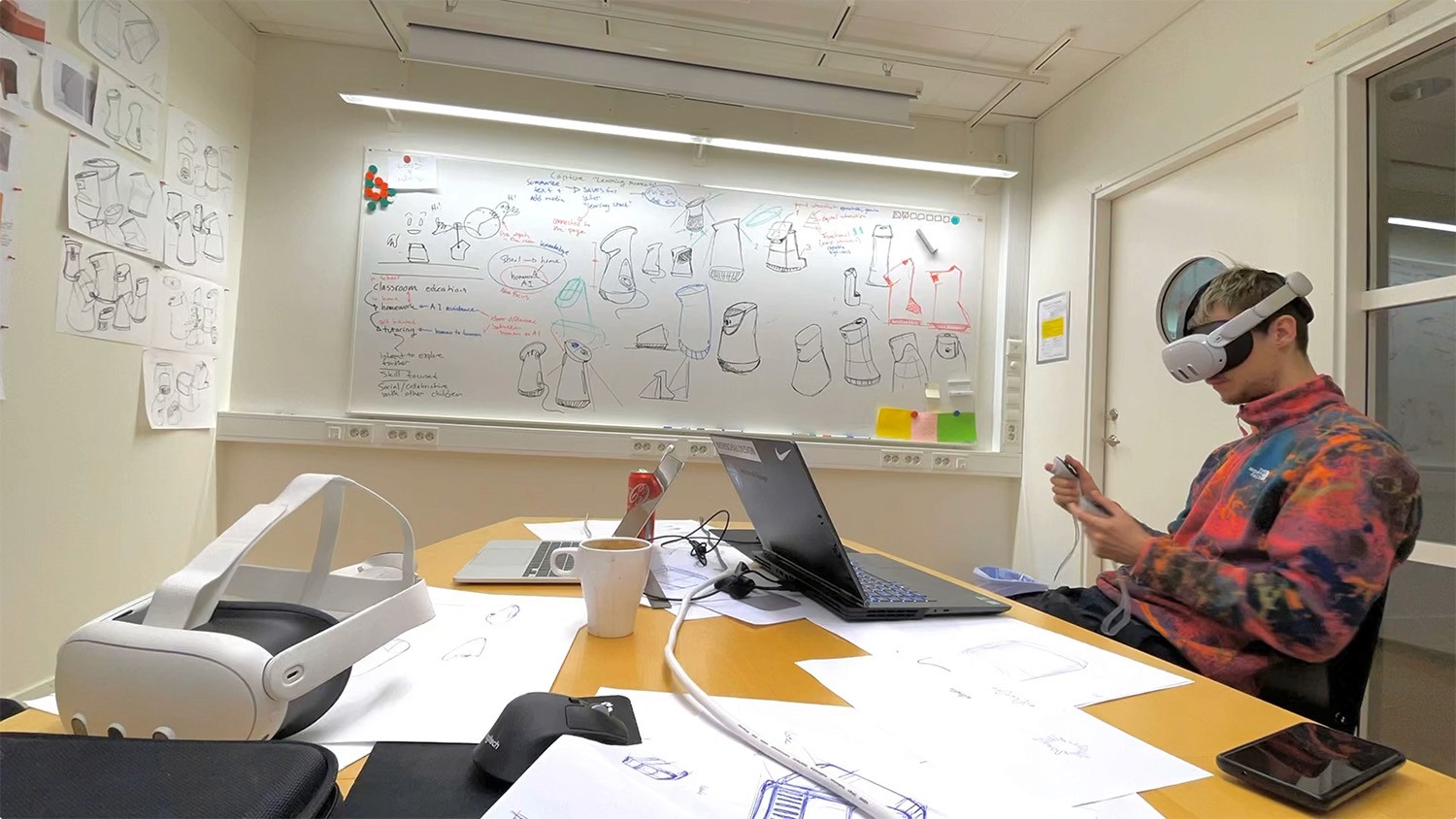
Early on we started to develop the shape and expression of the product while iterating on potential usecases. We invested time in exploring and finding both physical form and digital interaction. Using rapid sketching both on paper and using VR tools such as Gravity Sketch helped us to generate a wide range of options to discuss and evaluate.
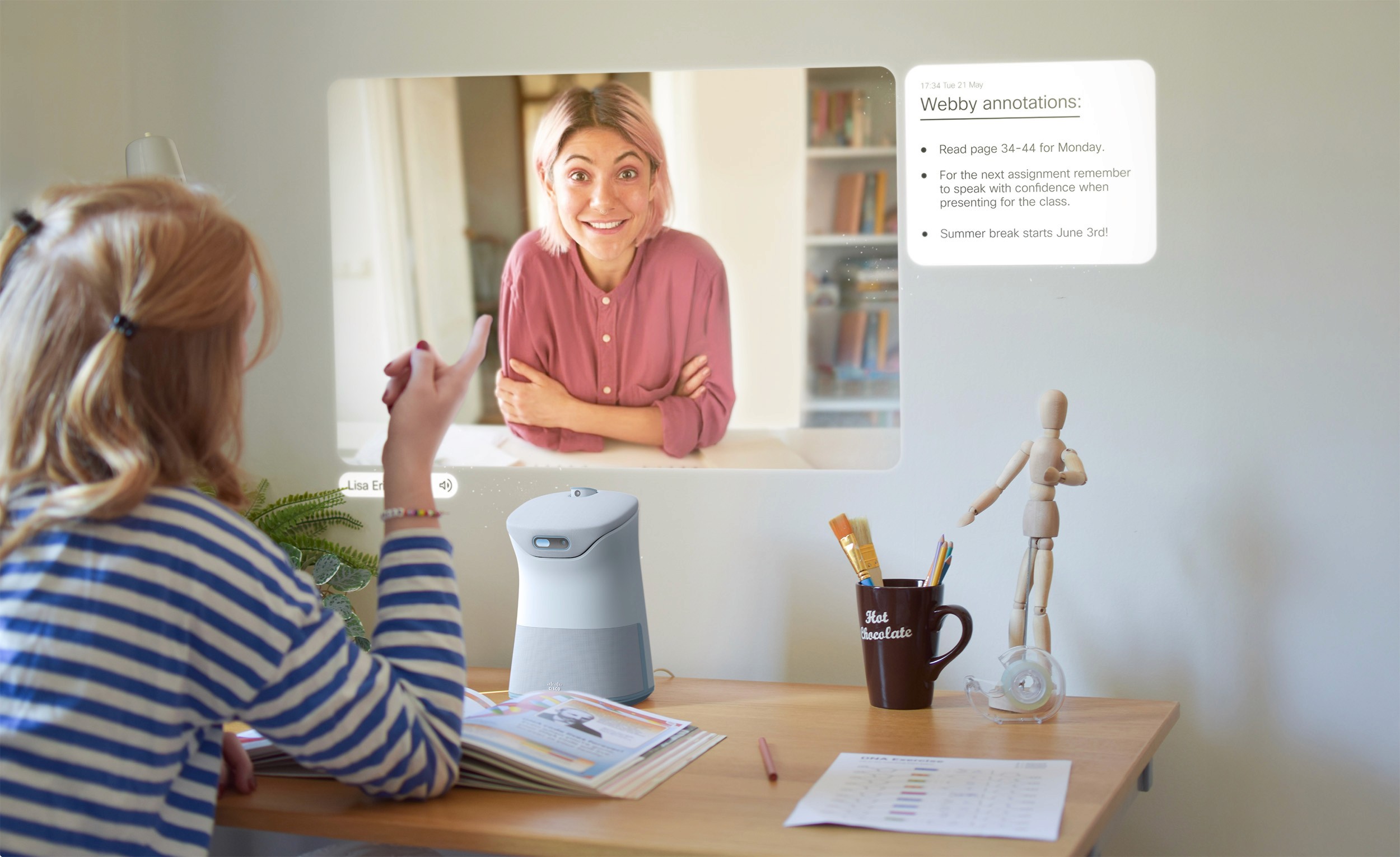
Spark has state of the art video communication features. Flip up the face-cam and take full advantage of the large format projections on the wall, showing the person you are talking to in 1:1 scale. A user on the other end can also make notes and collaborate with you in real time directly in the analog media placed in front of Spark. Perfect for tutoring, getting help on homework from your teacher or just chatting with friends.
"How might we assist children in their independent learning moments?"
"How might we assist children in their independent learning moments?"

How
Tap to wake
Tap to wake
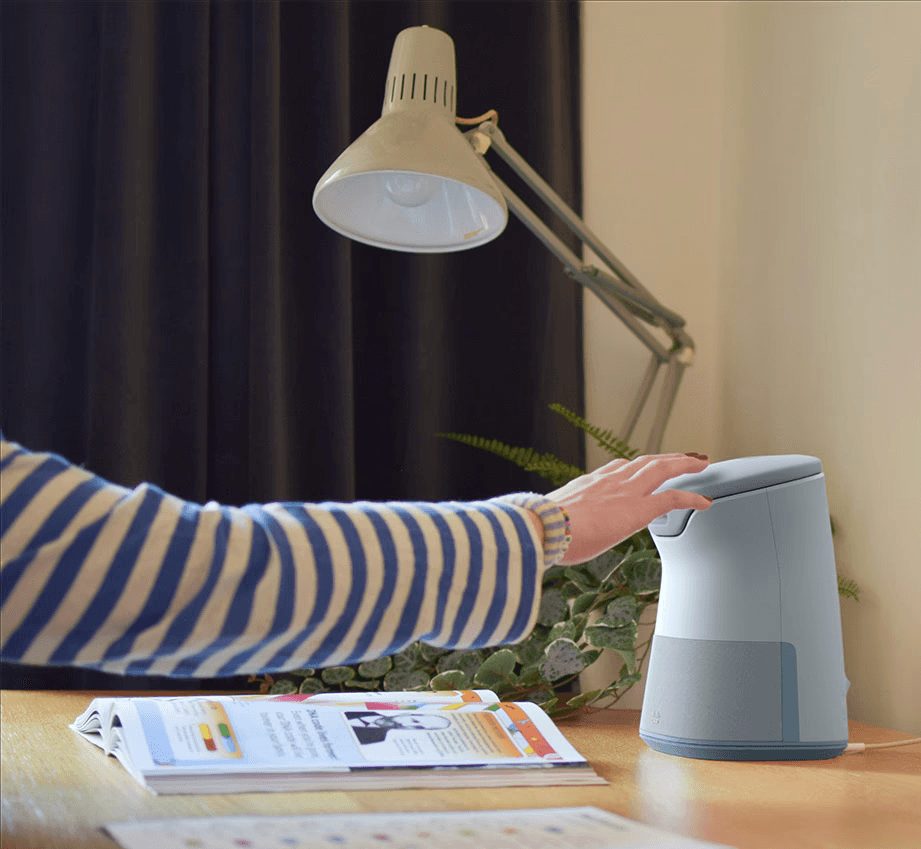
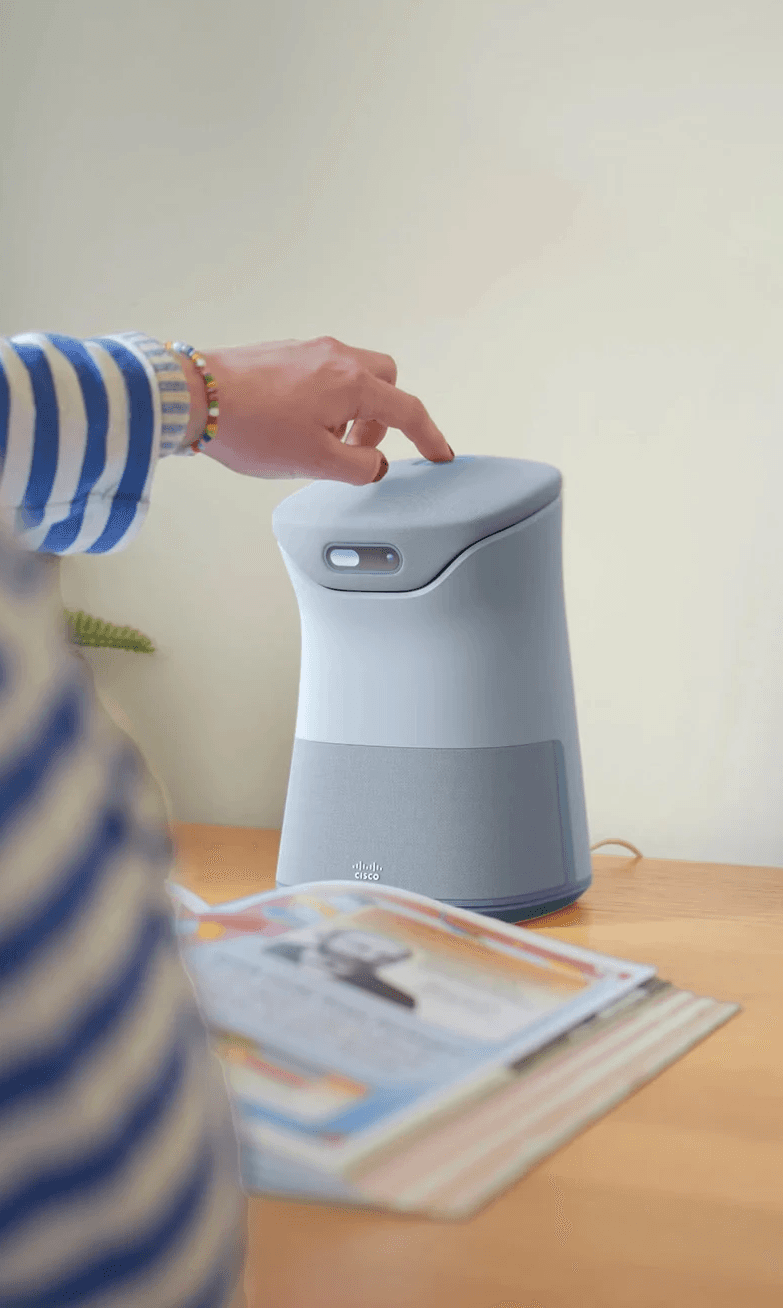
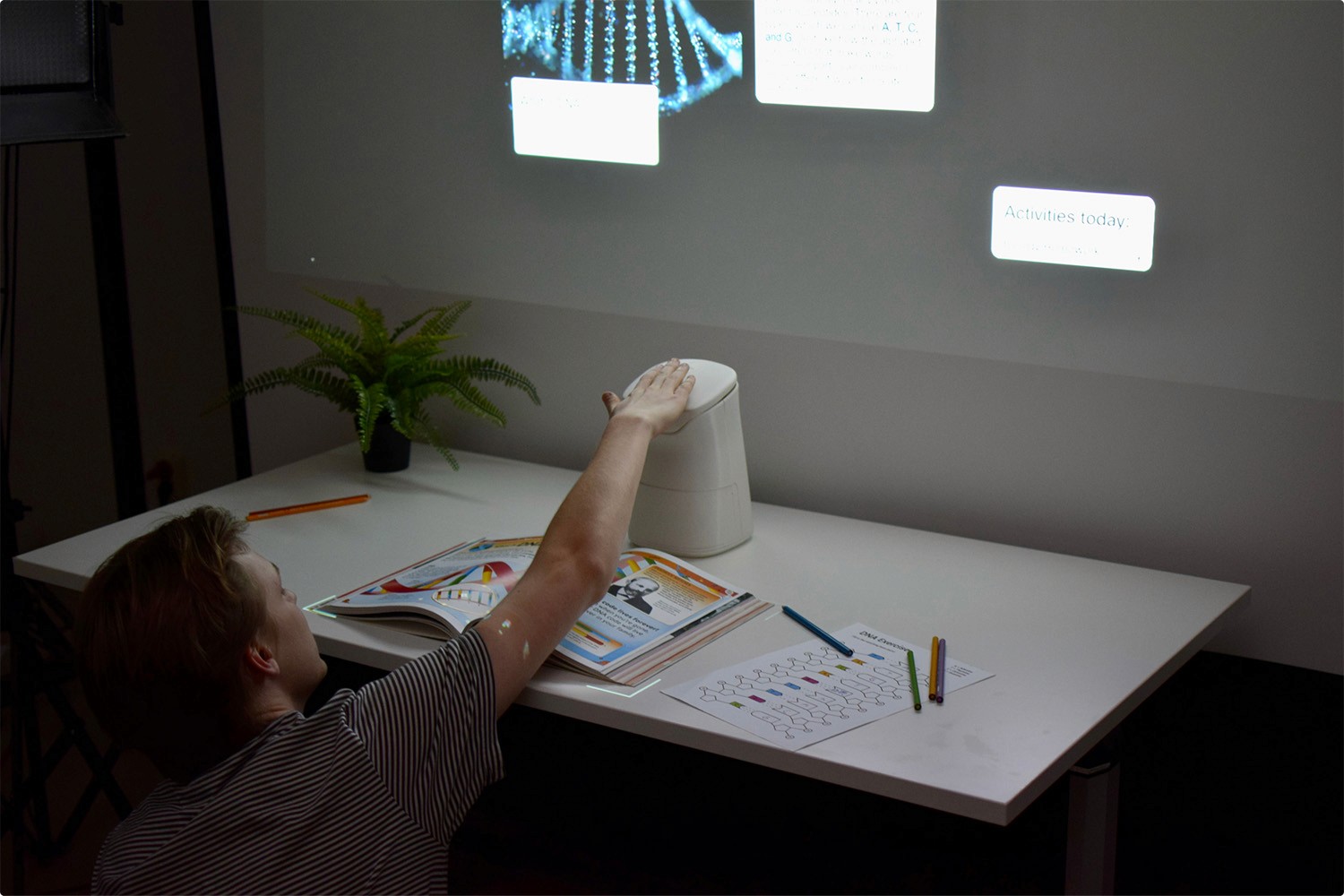
Placed at the desk Spark is always ready and eager to see what you are working with. Simply tap on the soft textile top surface to wake Spark up.
Placed at the desk Spark is always ready and eager to see what you are working with. Simply tap on the soft textile top surface to wake Spark up.
Independent learning
Independent learning
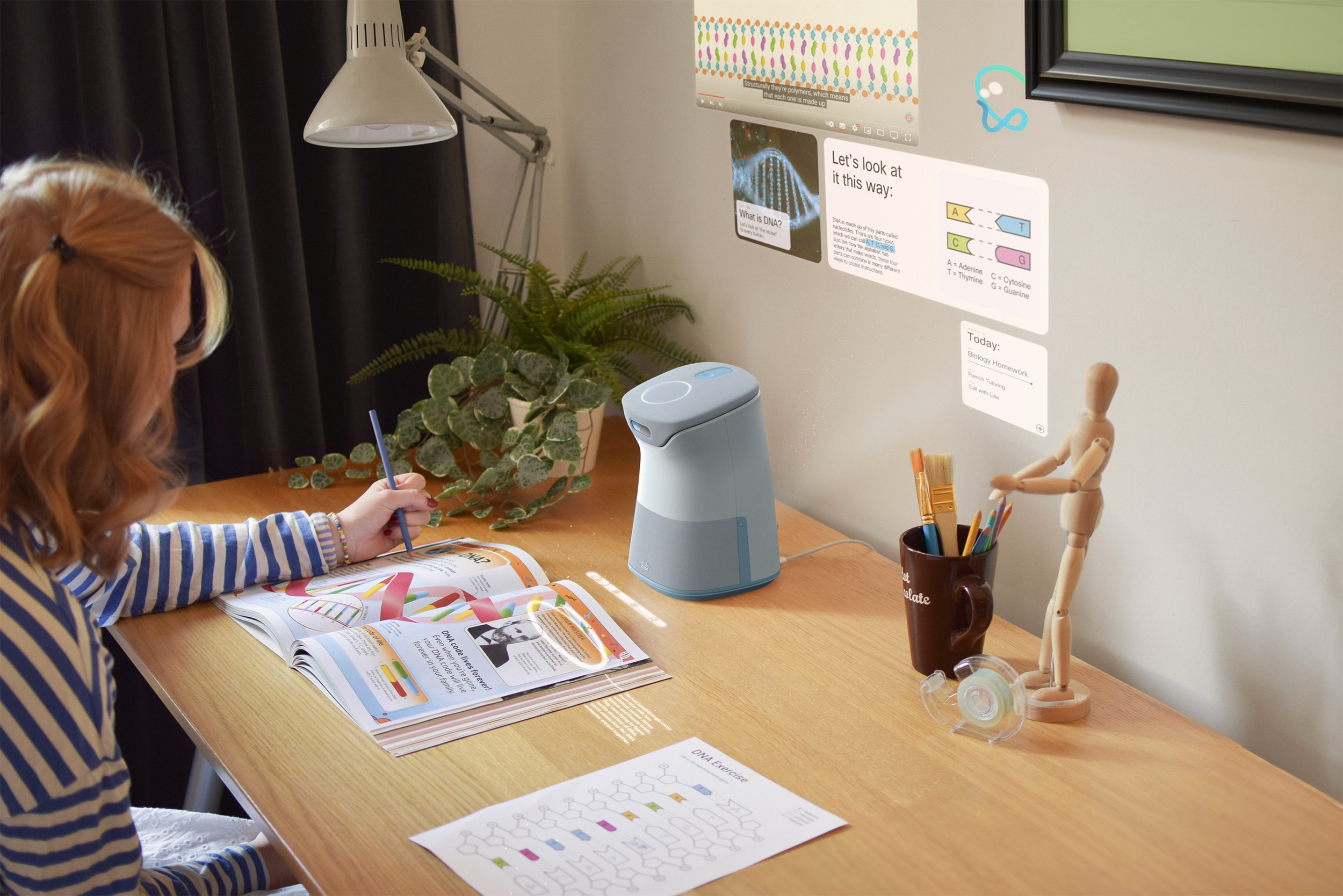
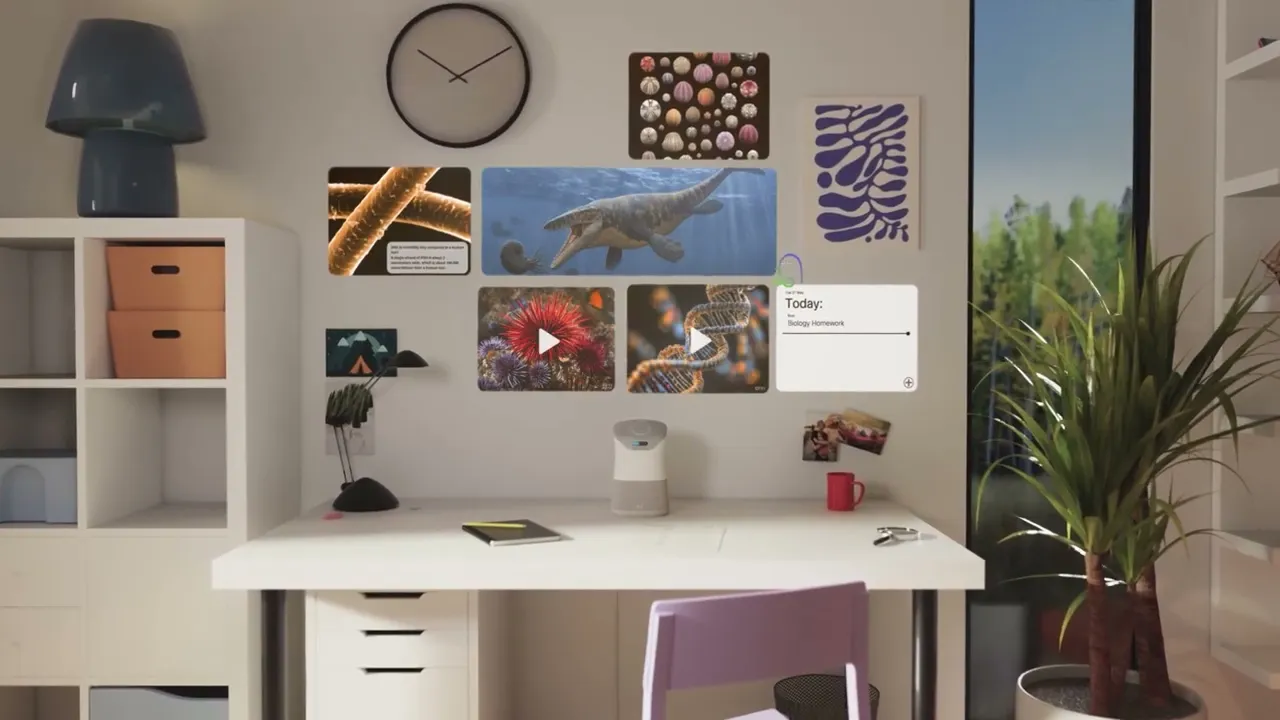
Spark can be directed to explain something on the page, elaborate on a piece of information or provide a deep dive into more detailed information and media. Here the child can point or use their voice to talk with Spark.
Spark can be directed to explain something on the page, elaborate on a piece of information or provide a deep dive into more detailed information and media. Here the child can point or use their voice to talk with Spark.
Spark can be directed to explain something on the page, elaborate on a piece of information or provide a deep dive into more detailed information and media. Here the child can point or use their voice to talk with Spark.
Spark can be directed to explain something on the page, elaborate on a piece of information or provide a deep dive into more detailed information and media. Here the child can point or use their voice to talk with Spark.
Collaborate
Collaborate
Spark has state of the art video communication features. Flip up the face-cam and take full advantage of the large format projections on the wall, showing the person you are talking to in 1:1 scale.
A user on the other end can also make notes and collaborate with you in real time directly in the analog media placed in front of Spark. Perfect for tutoring, getting help on homework from your teacher or just chatting with friends.
Spark has state of the art video communication features. Flip up the face-cam and take full advantage of the large format projections on the wall, showing the person you are talking to in 1:1 scale. A user on the other end can also make notes and collaborate with you in real time directly in the analog media placed in front of Spark. Perfect for tutoring, getting help on homework from your teacher or just chatting with friends.
Grab
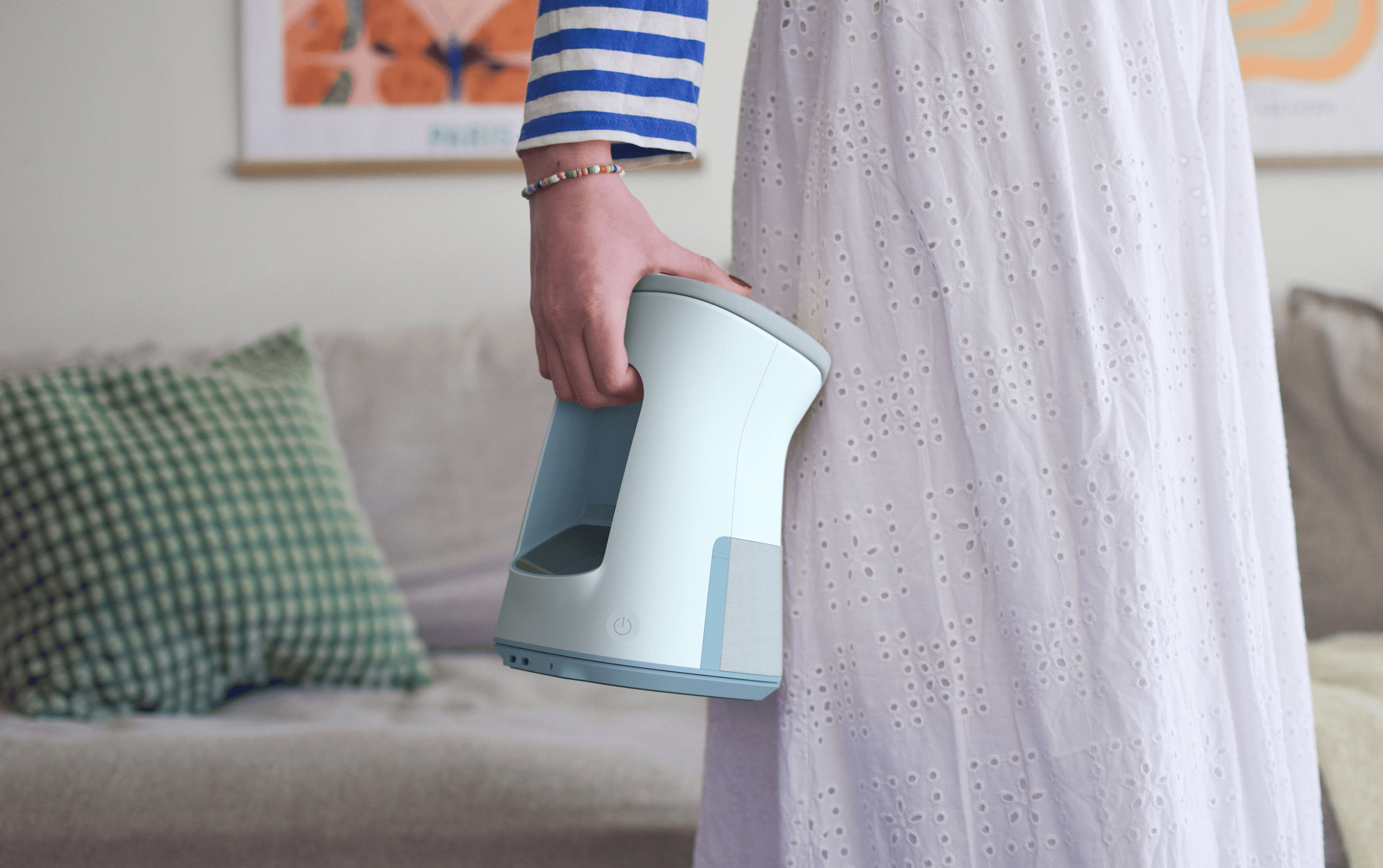
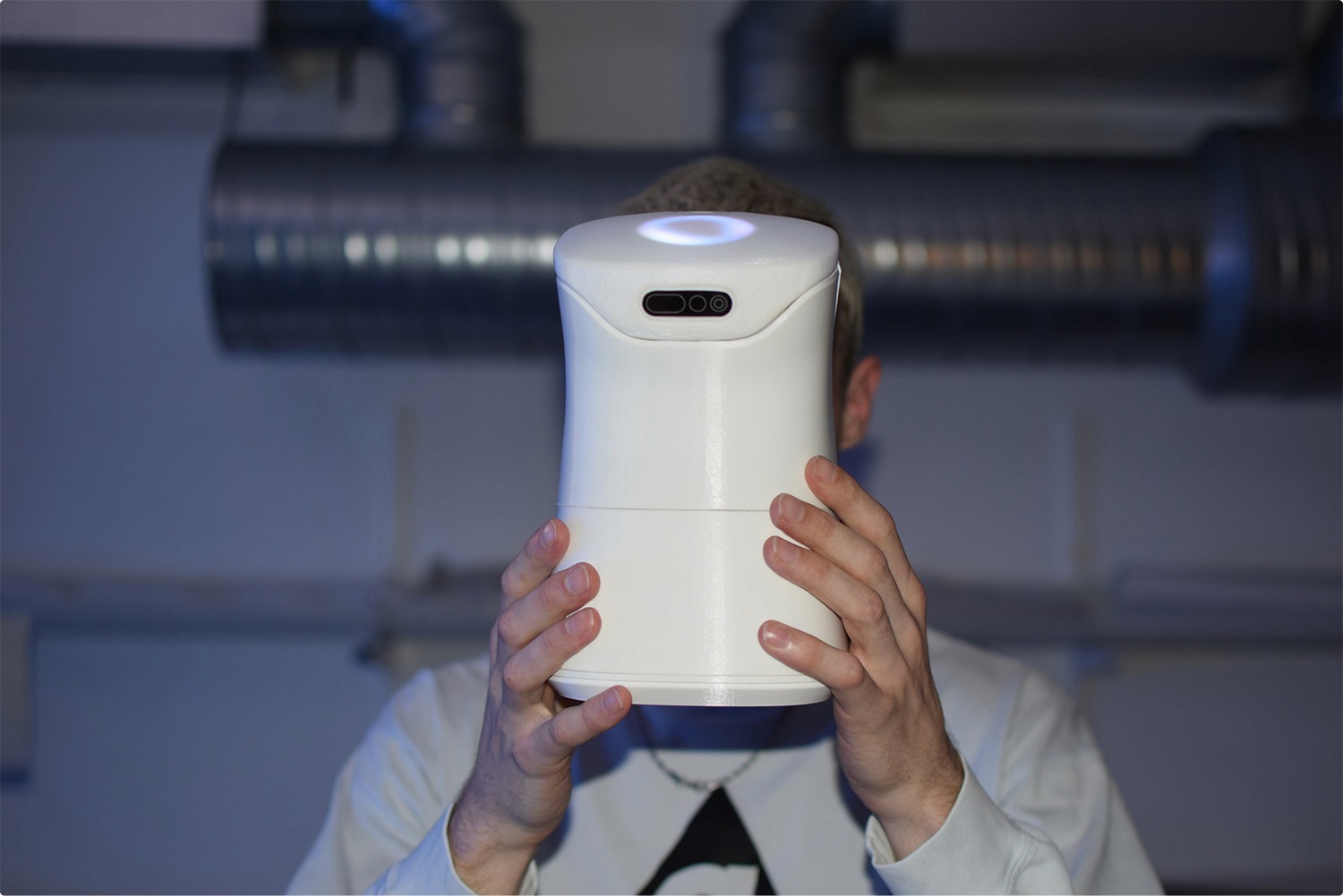
Spark is not stuck to the desk. It is easy to carry around to wherever you are in the home. The softness of the shape invites the user to either carry Spark in their arms or using the integrated grip.
Grab
Spark is not stuck to the desk. It is easy to carry around to wherever you are in the home. The softness of the shape invites the user to either carry Spark in their arms or using the integrated grip.
Hug
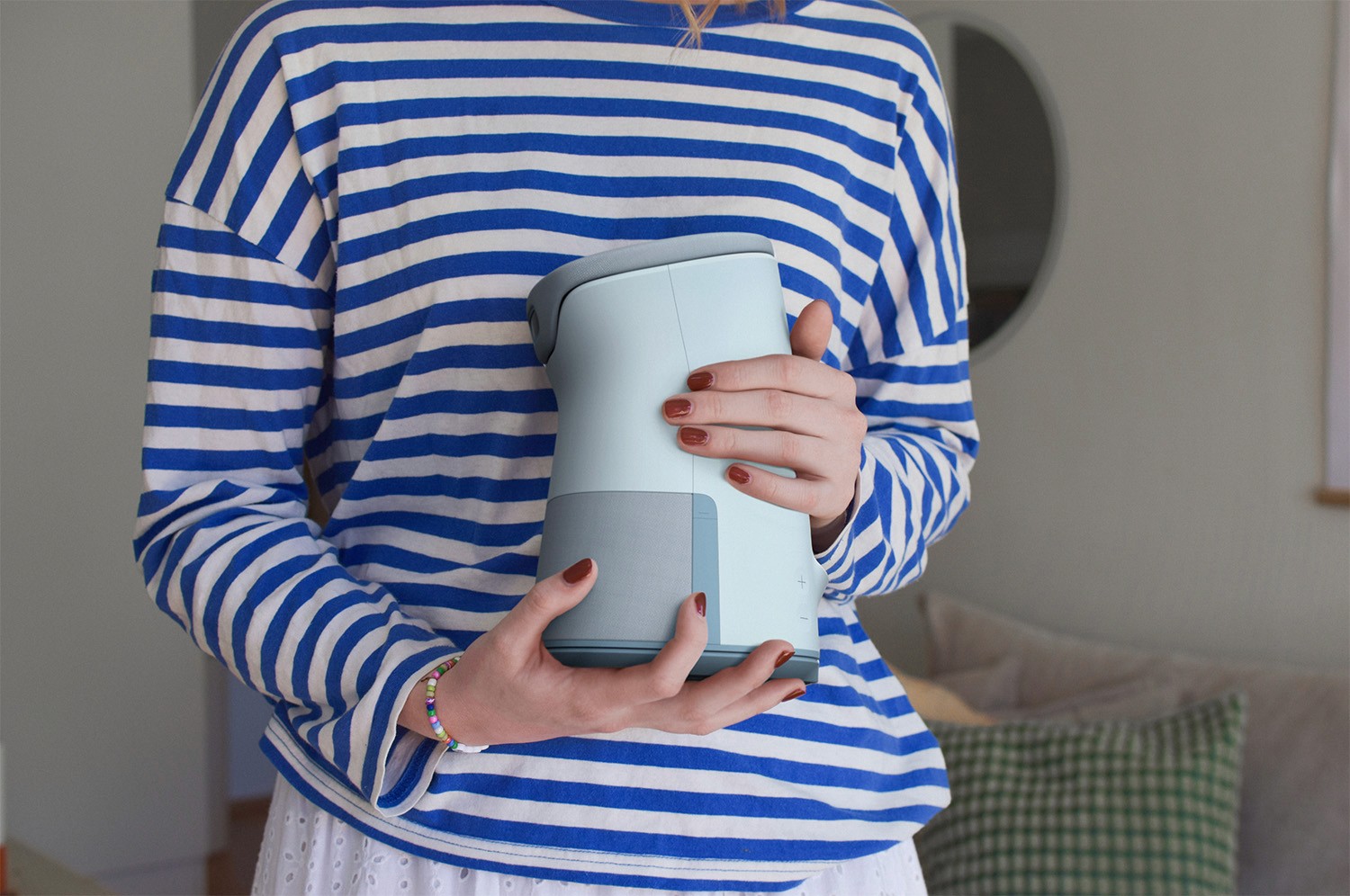
Spark is designed to be friendly and approachable but without appearing like a toy. Its shape and size invite interaction, whether children are carrying it in their arms or tapping its head to wake it up.
Hug
Spark is designed to be friendly and approachable but without appearing like a toy. Its shape and size invite interaction, whether children are carrying it in their arms or tapping its head to wake it up.
Bring
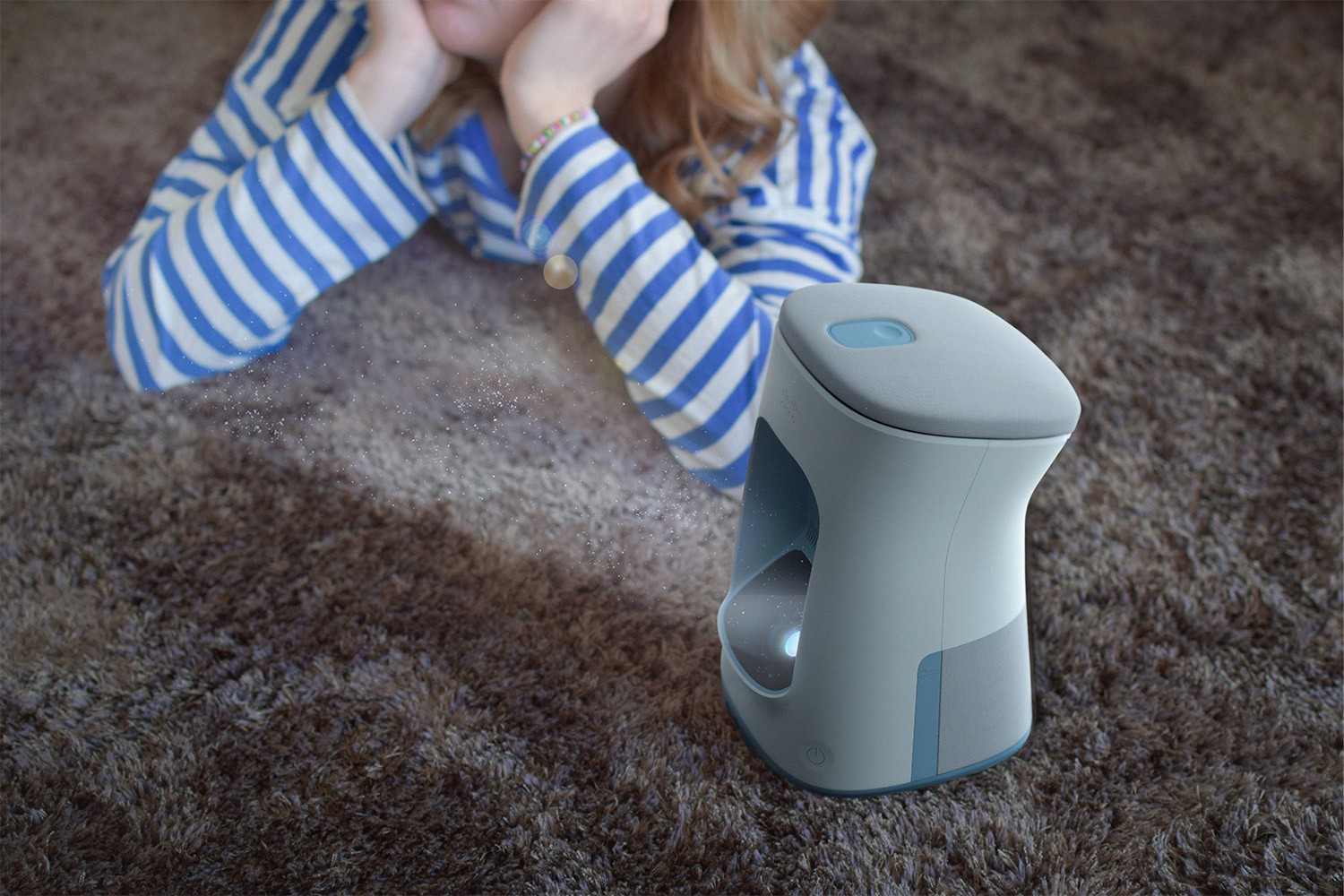
When the homework is done Spark moves to the living room where it is time to watch a movie.
Bring
When the homework is done Spark moves to the living room where it is time to watch a movie.
Creative exploration
Creative exploration
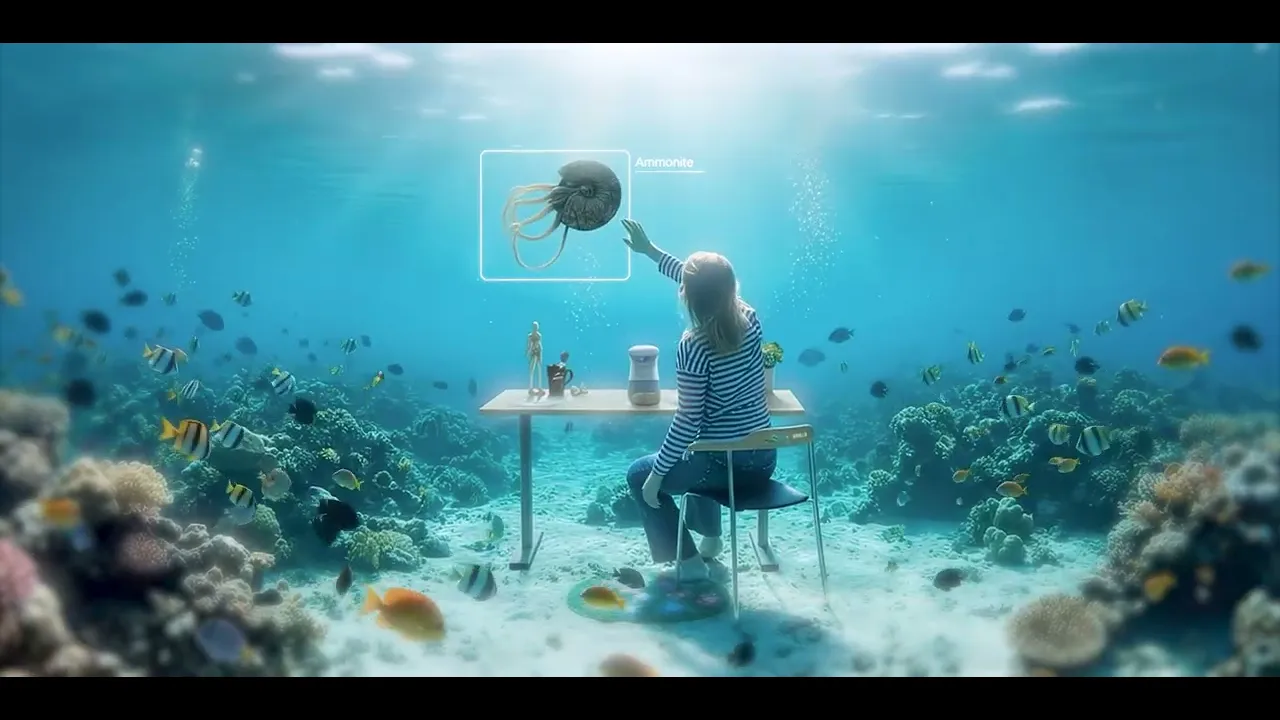
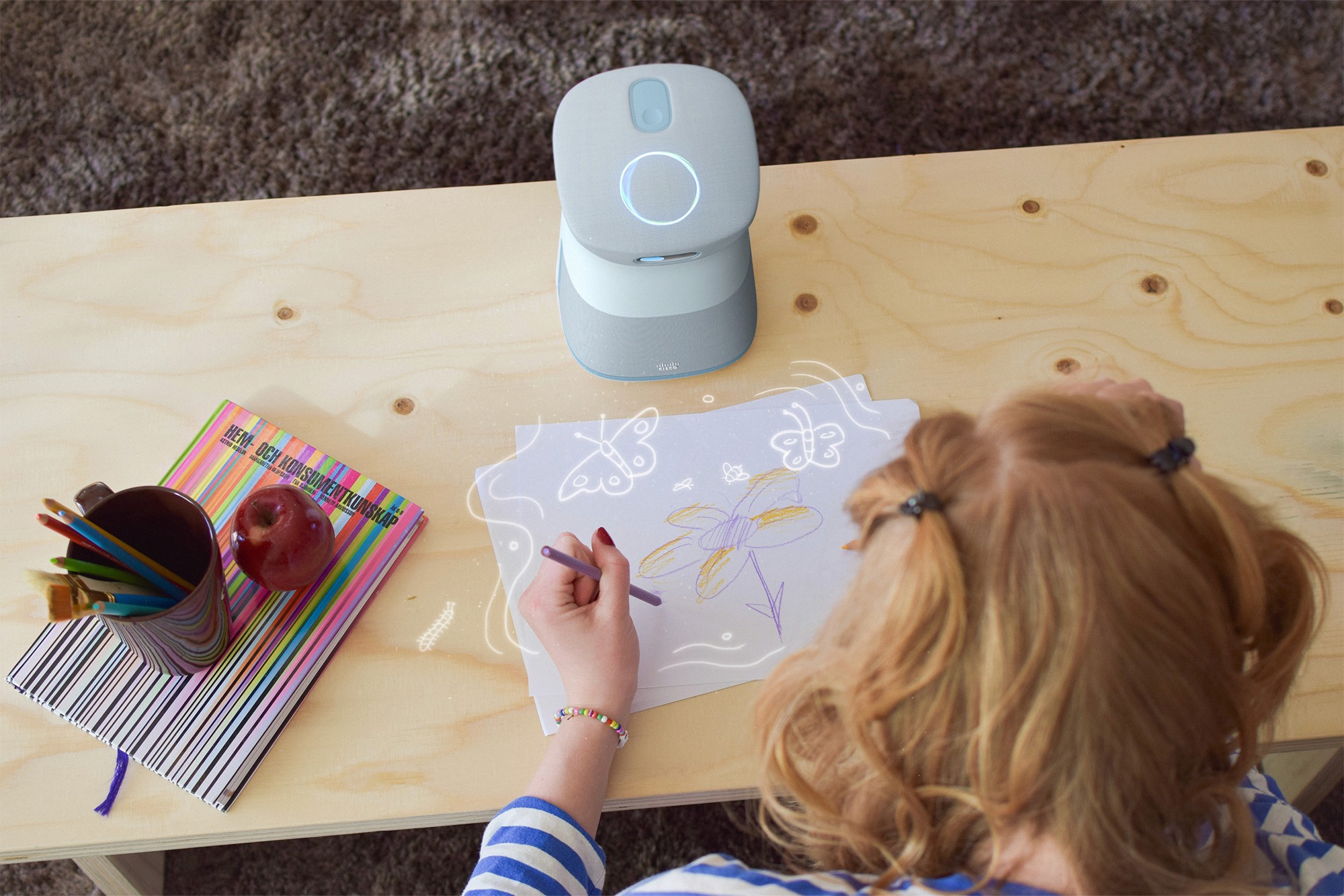
For the more open ended creative moments in a child's life, Spark is there to support and more importantly play along. Visual input from a sketch on a paper opens up endless paths to explore and create around.
For the more open ended creative moments in a child's life, Spark is there to support and more importantly play along. Visual input from a sketch on a paper opens up endless paths to explore and create around.
The playful side of Spark gives the child the opportunity to create everything from racetracks to chess boards directly in front of them. And together with the vivid color pictures on the wall really creates a portal to other worlds.
The playful side of Spark gives the child the opportunity to create everything from racetracks to chess boards directly in front of them. And together with the vivid color pictures on the wall really creates a portal to other worlds.
Appearance
Appearance
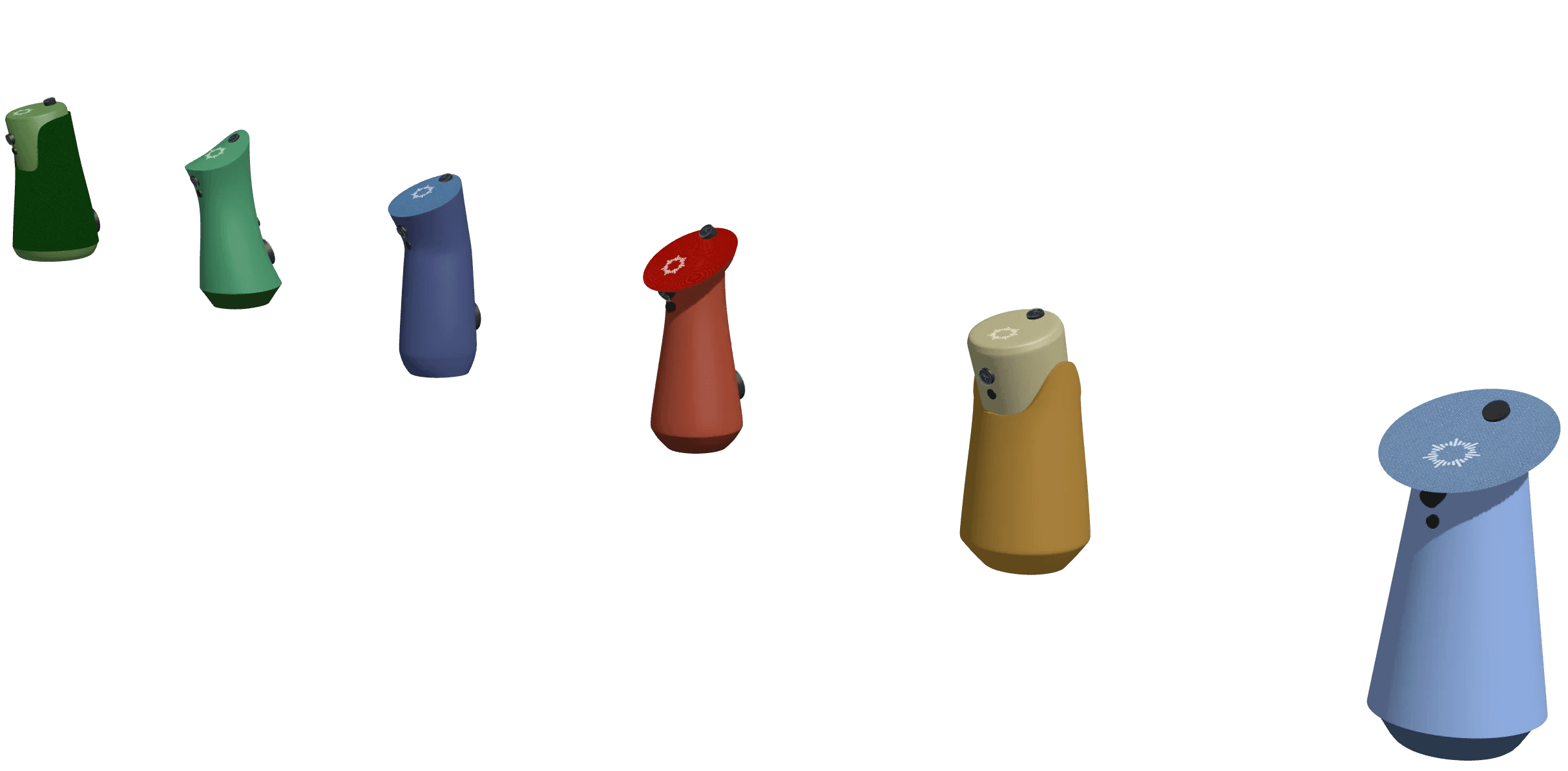
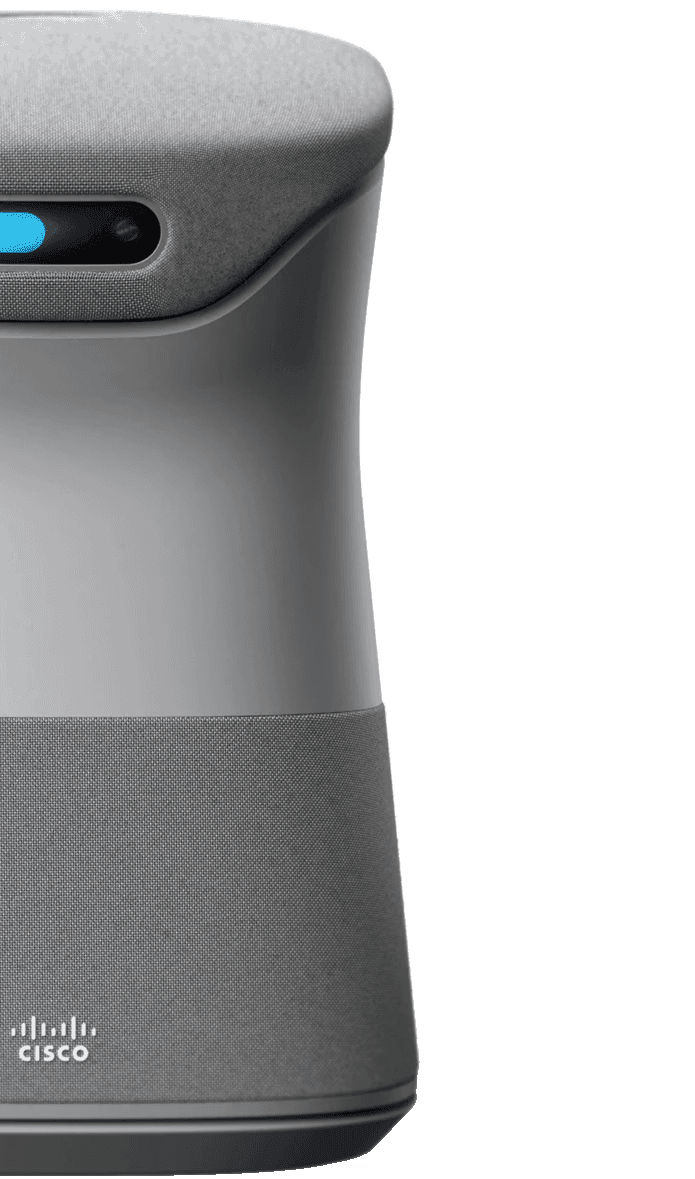
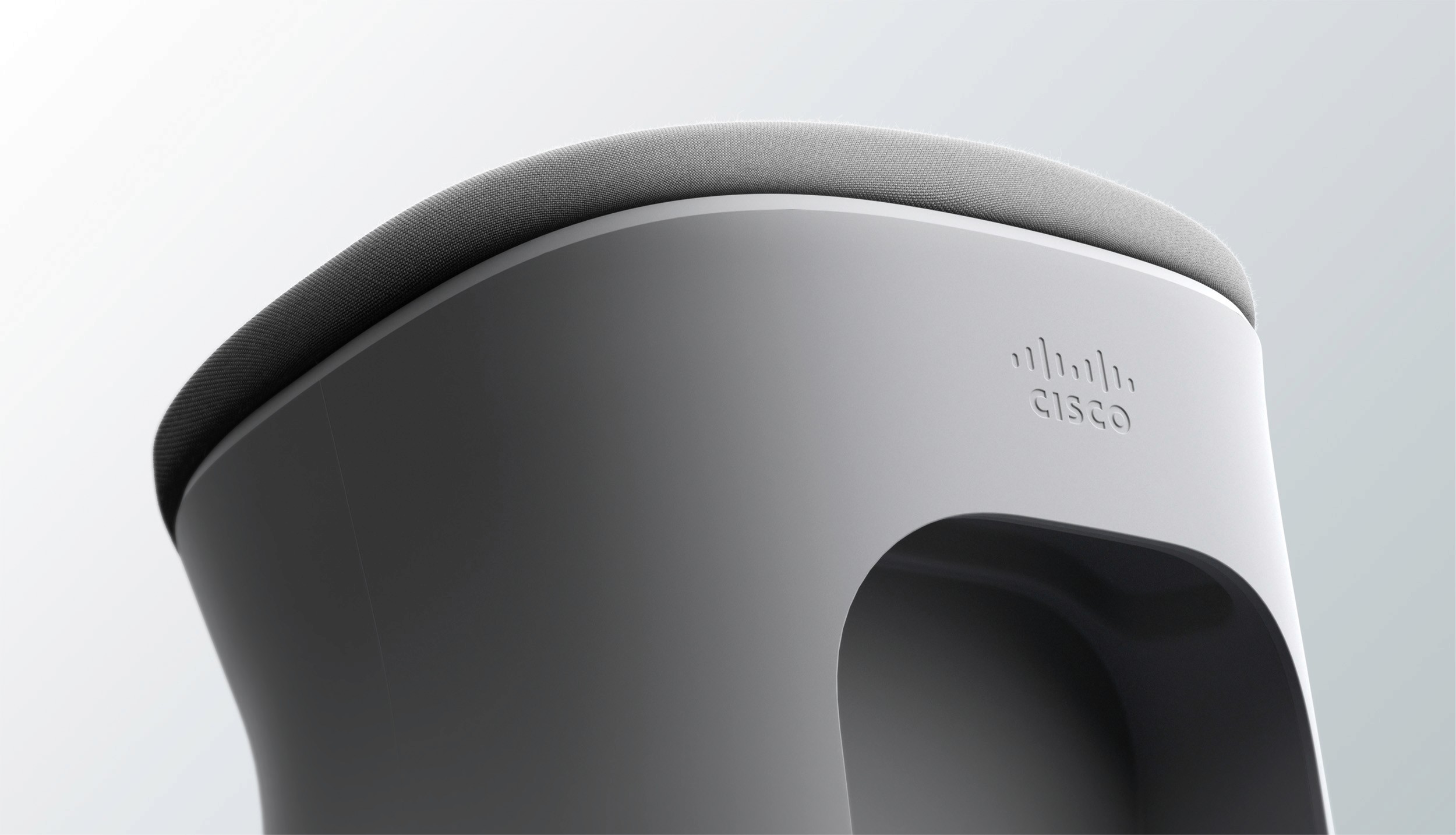
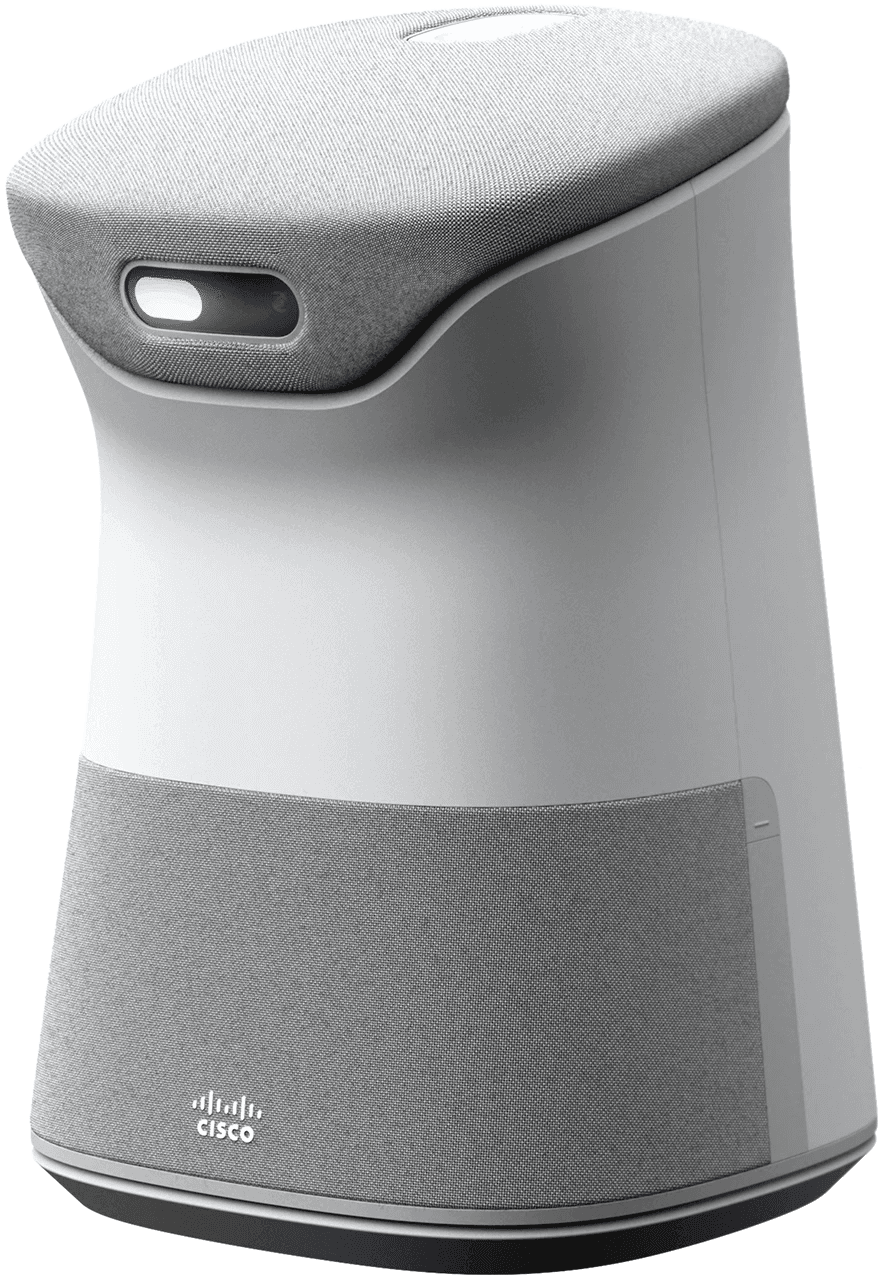
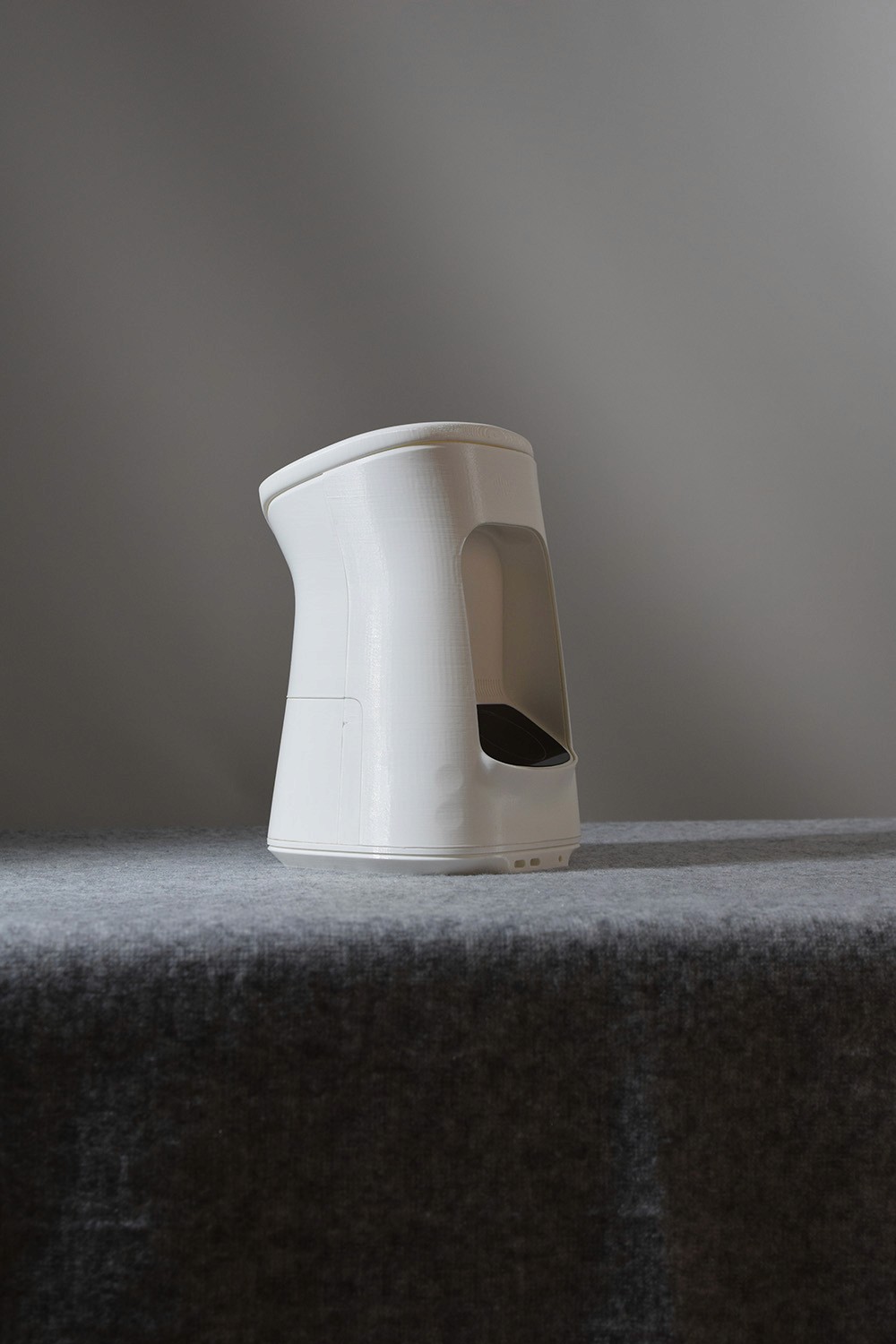
We wanted the shape to be friendly enough to interact with and carry around yet it shouldn’t take away from the capabilities the product offers. The tapered sides gives the idea of where to grab on the product, yet keeps the continuity of the surfaces intact.
We wanted the shape to be friendly enough to interact with and carry around yet it shouldn’t take away from the capabilities the product offers. The tapered sides gives the idea of where to grab on the product, yet keeps the continuity of the surfaces intact.
Details
Details
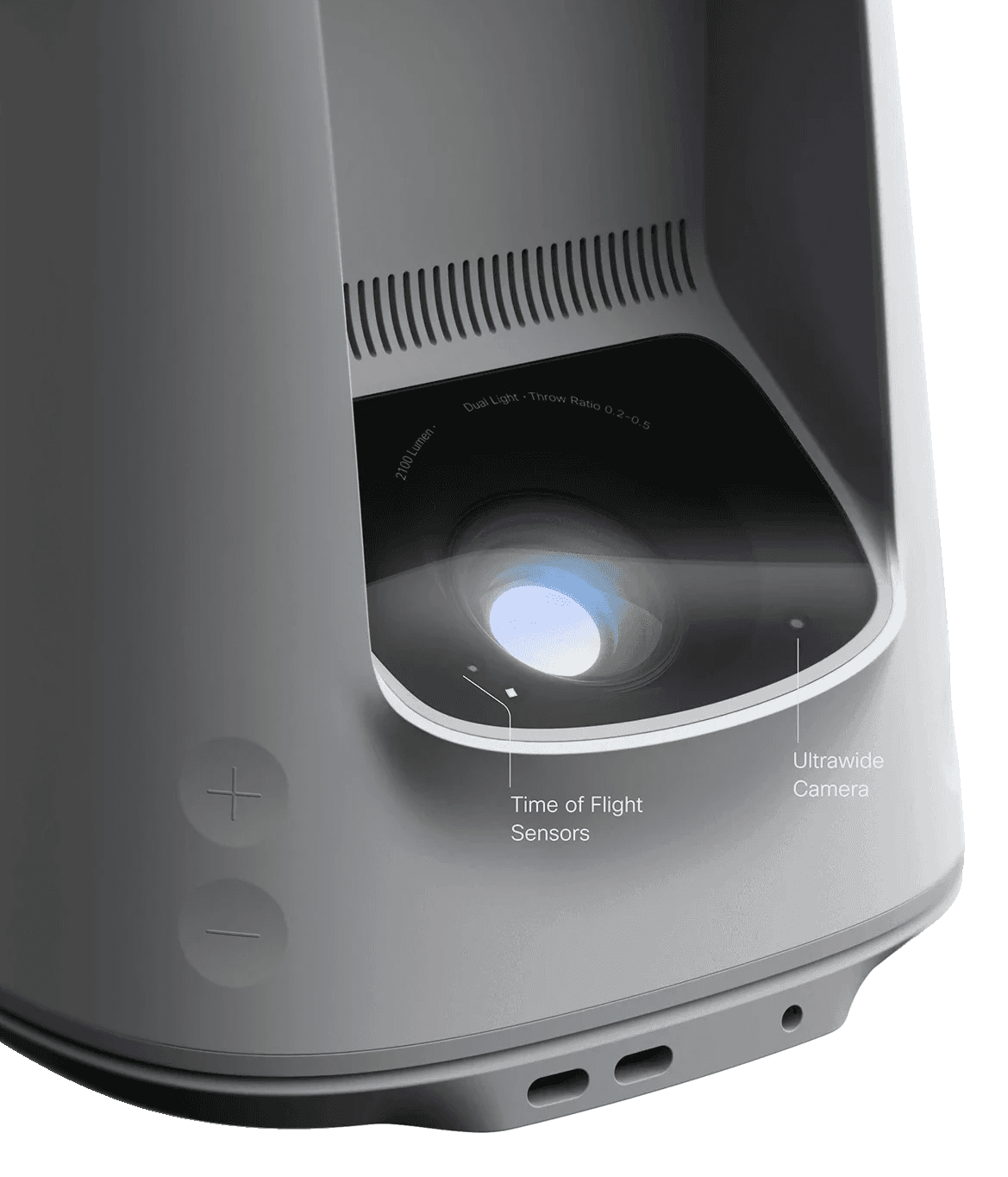
The base plate has a chamfer to hint at the easy portability of the product, giving it a lighter look when placed on a table.
The base plate has a chamfer to hint at the easy portability of the product, giving it a lighter look when placed on a table.
Character
Character
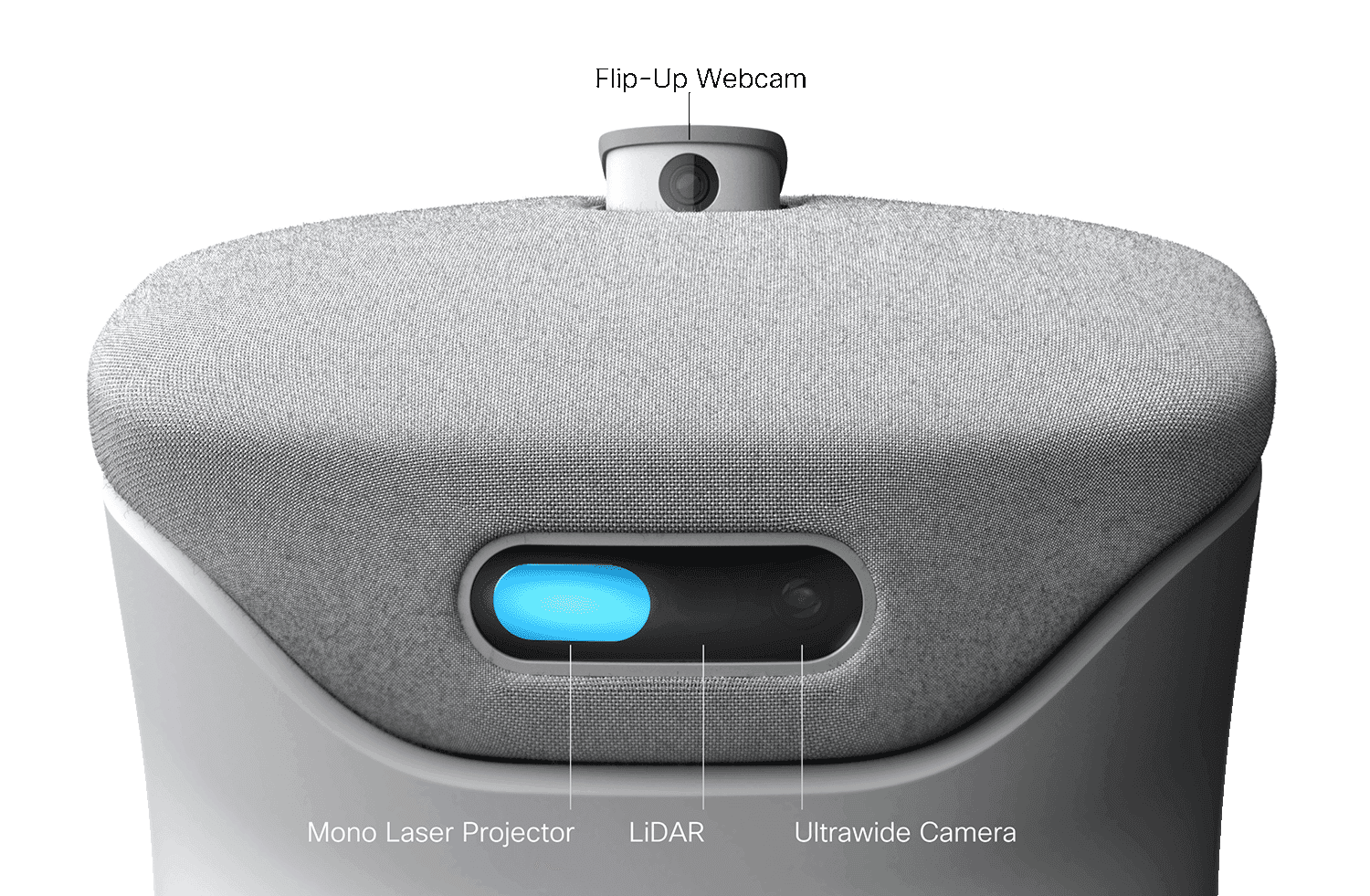
The top surface is tilted like a head, indicating that Spark is interested in what is placed in front of it. It also creates an angle that invites the user to interact with the touch sensitive top surface.
The top surface is tilted like a head, indicating that Spark is interested in what is placed in front of it. It also creates an angle that invites the user to interact with the touch sensitive top surface.
Stay cool
Stay cool
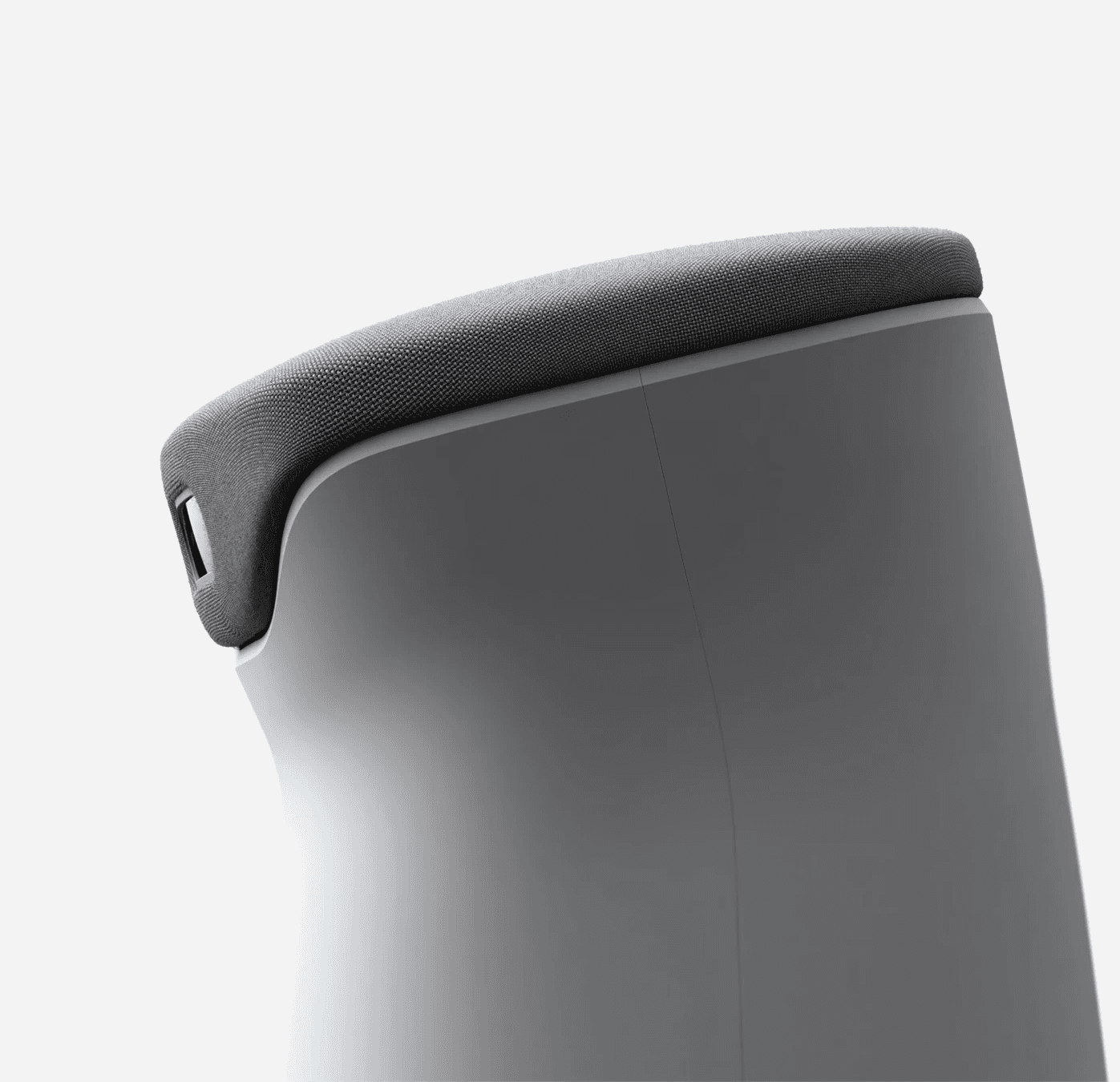
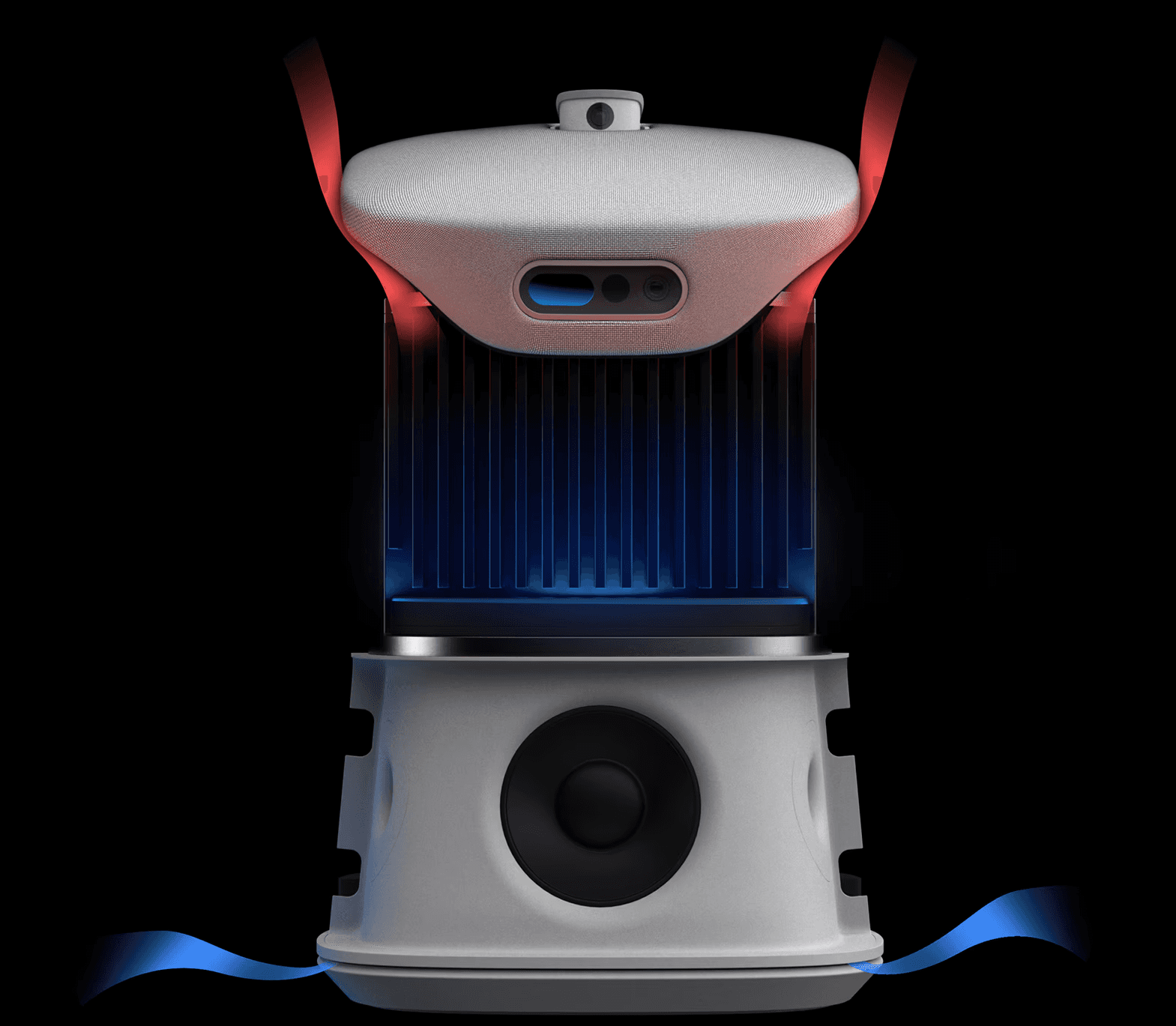
Spark is designed with cooling in mind. The raised air inlet on the lower chamfer allows it to be placed on a fluffy rug and still breath in fresh air, a major aspect of a functional projector.
Spark is designed with cooling in mind. The raised air inlet on the lower chamfer allows it to be placed on a fluffy rug and still breath in fresh air, a major aspect of a functional projector.
Interactions
Interactions
Children can interact with Webby using voice, gestures, or touch, fostering a dynamic collaboration that blends analog materials and toys with AI's limitless possibilities. This playful interaction nurtures their curiosity, allowing them to explore learning as they let their imagination lead the way.
Children can interact with Webby using voice, gestures, or touch, fostering a dynamic collaboration that blends analog materials and toys with AI's limitless possibilities. This playful interaction nurtures their curiosity, allowing them to explore learning as they let their imagination lead the way.
wake up
wake up
place book
place book
analyze page
analyze page
select focus
select focus
explore more
explore more
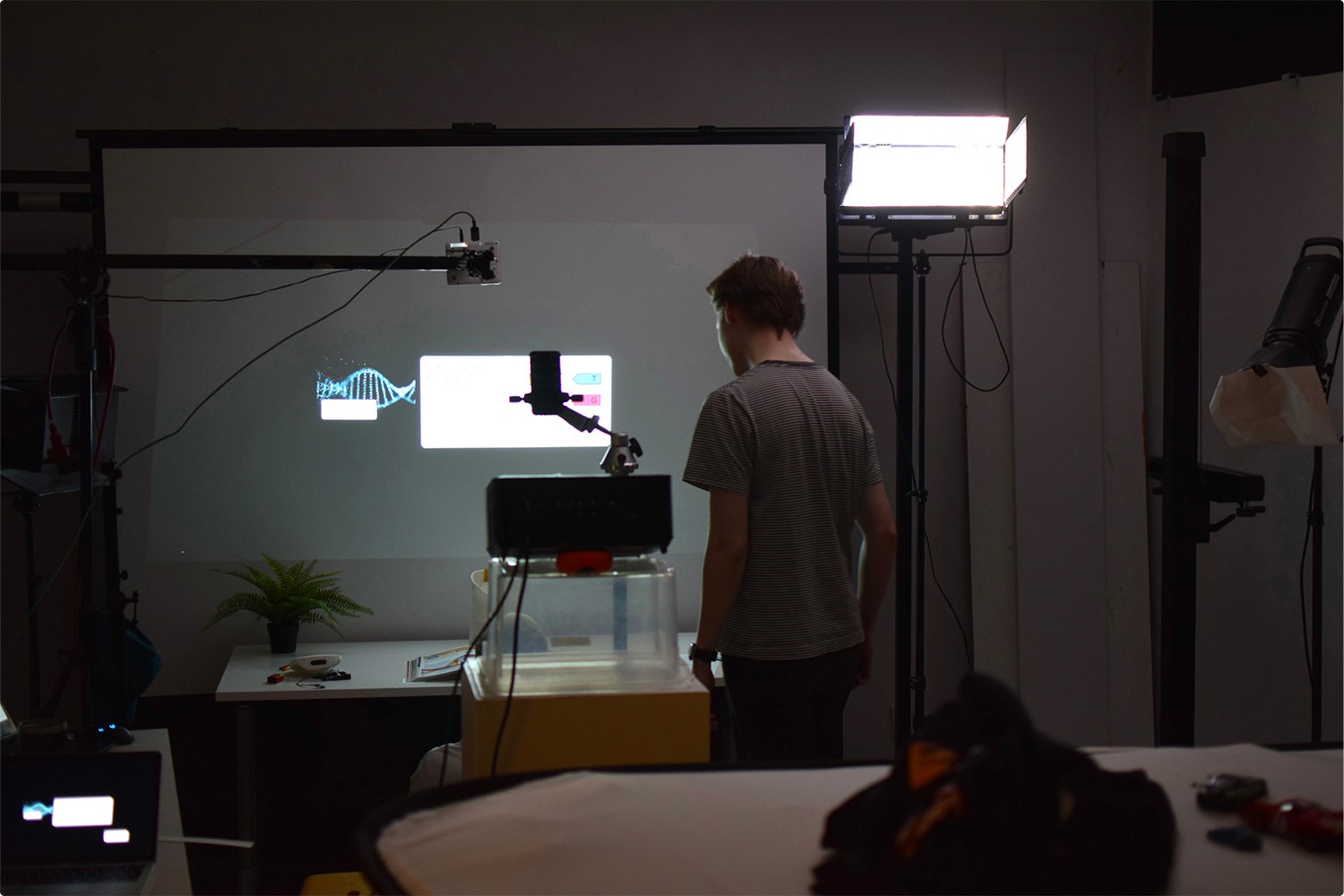
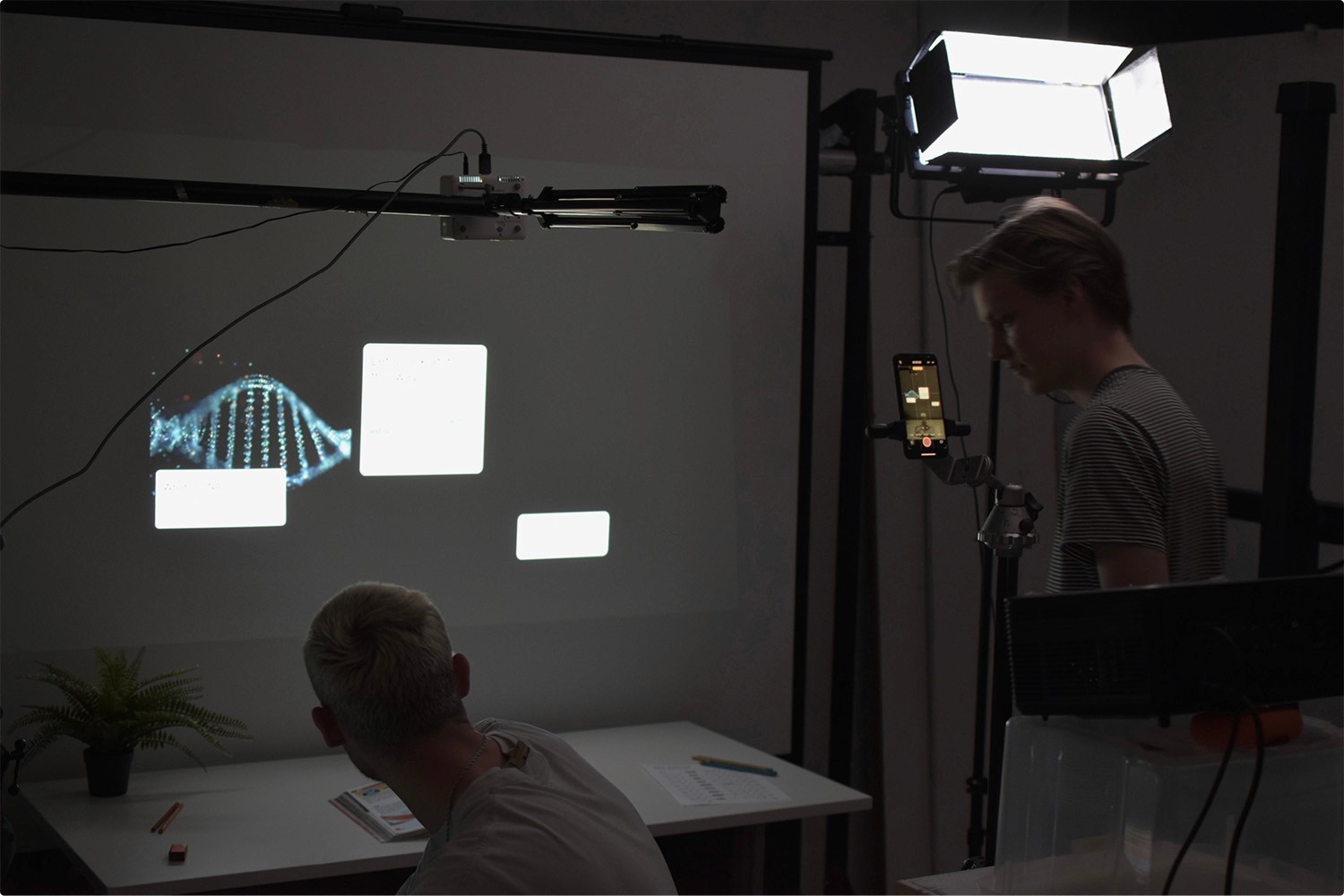
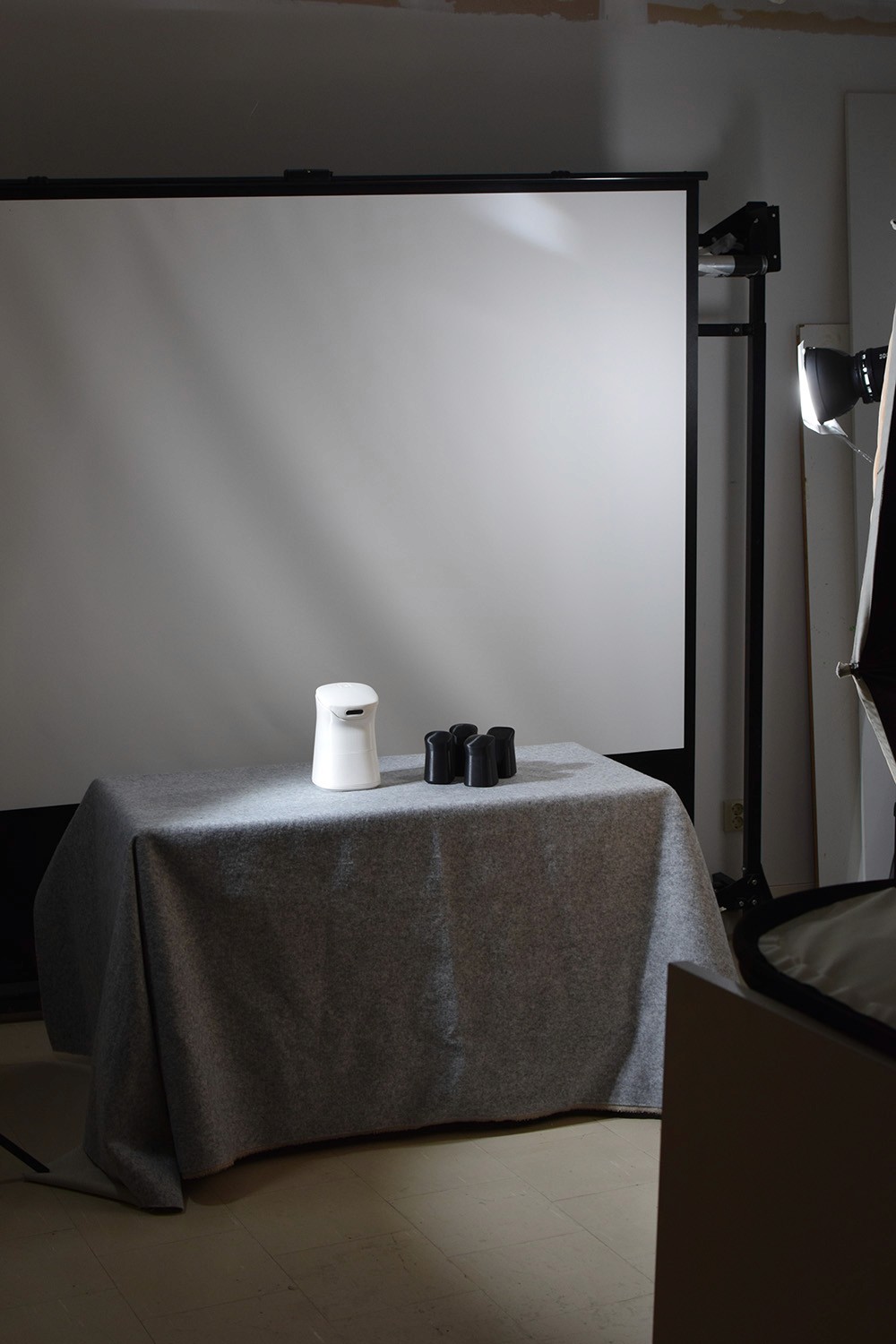
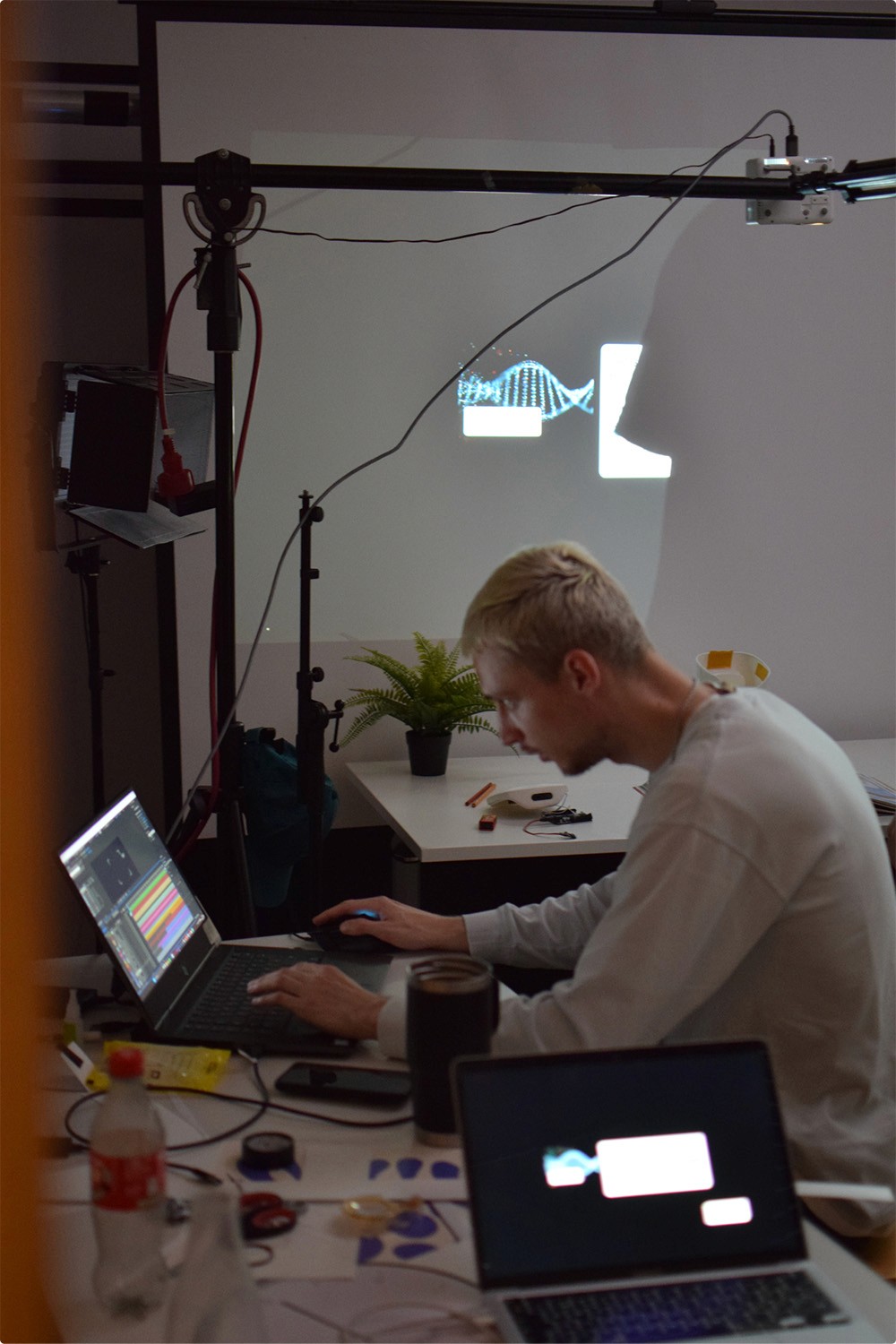
Behind the scenes
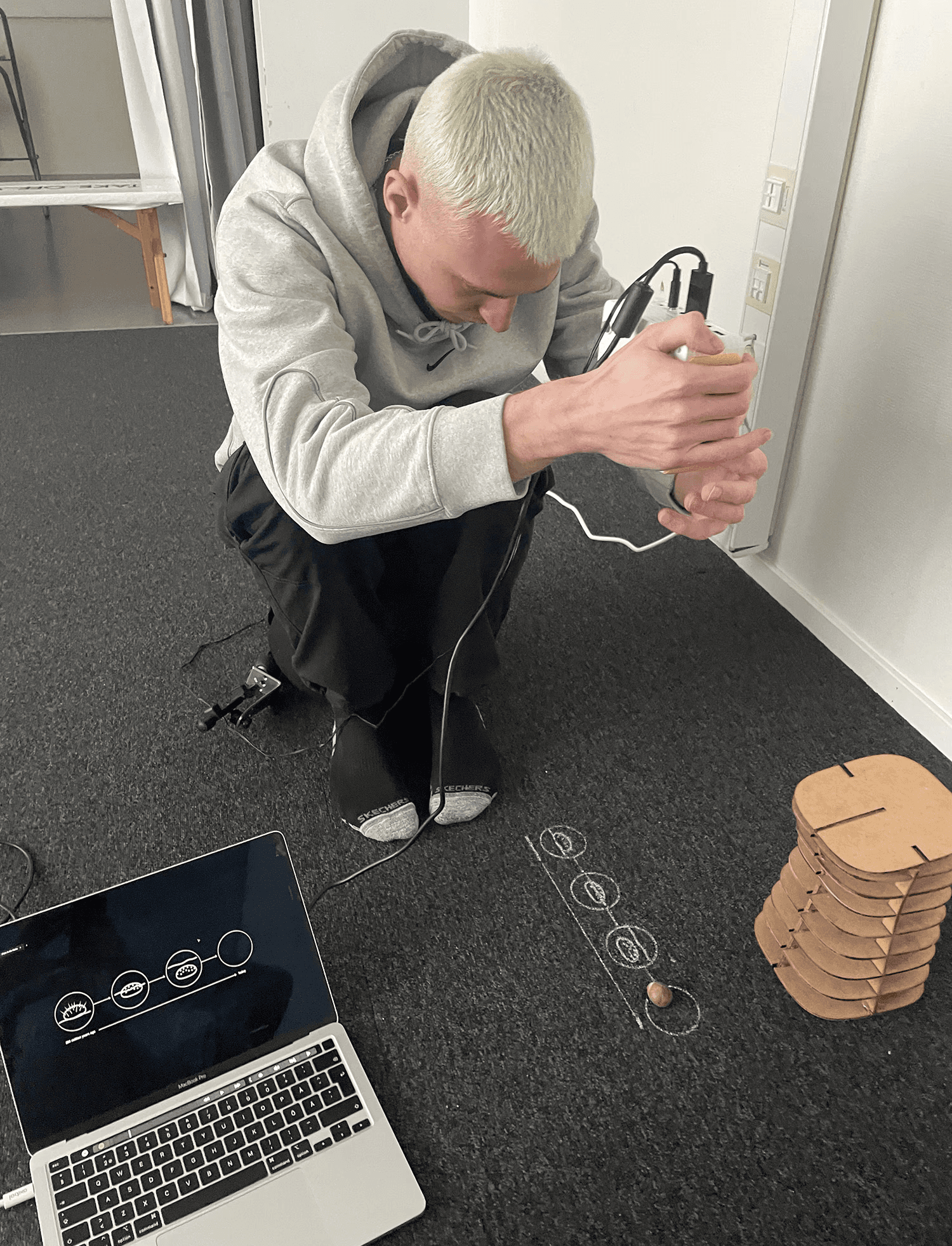
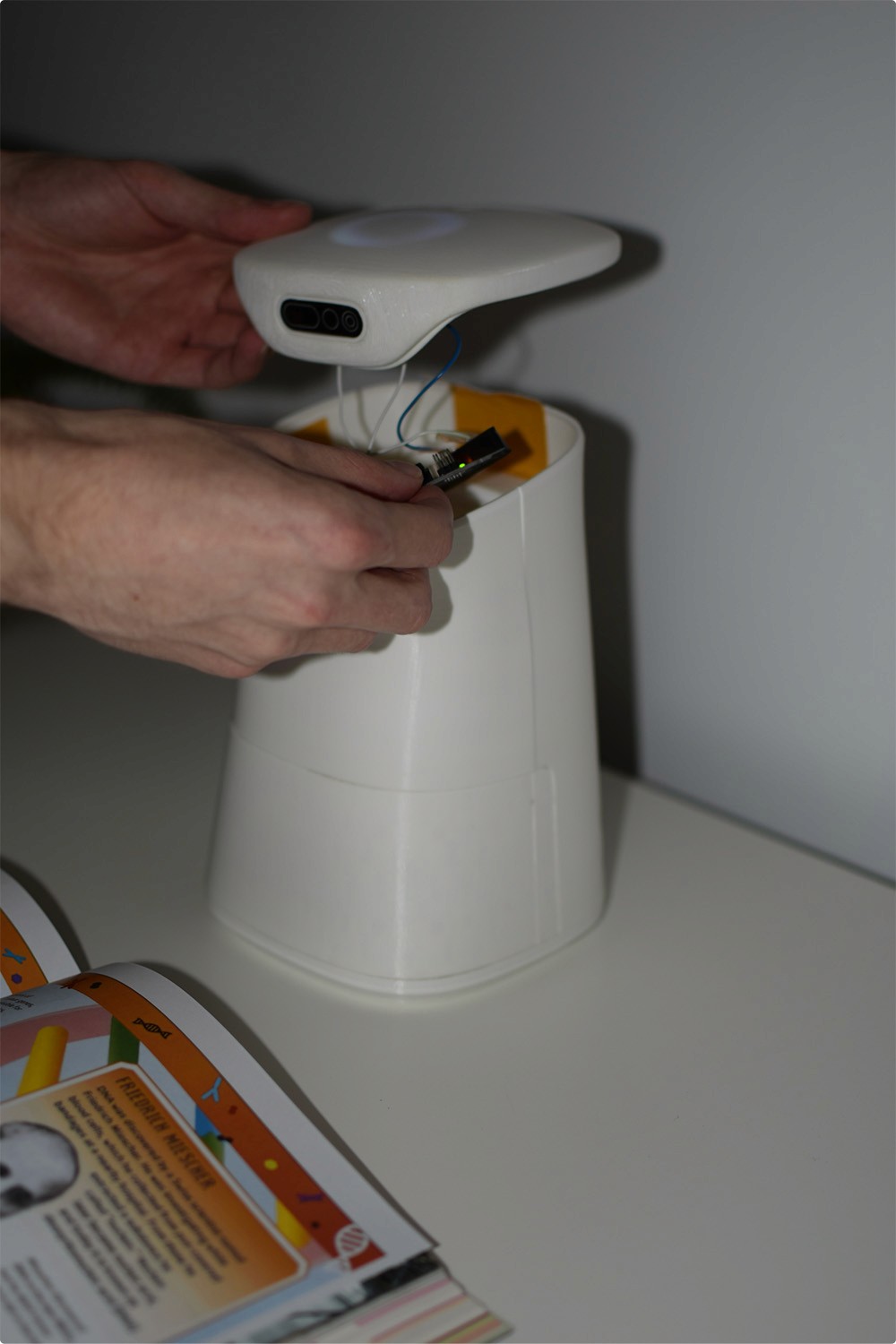
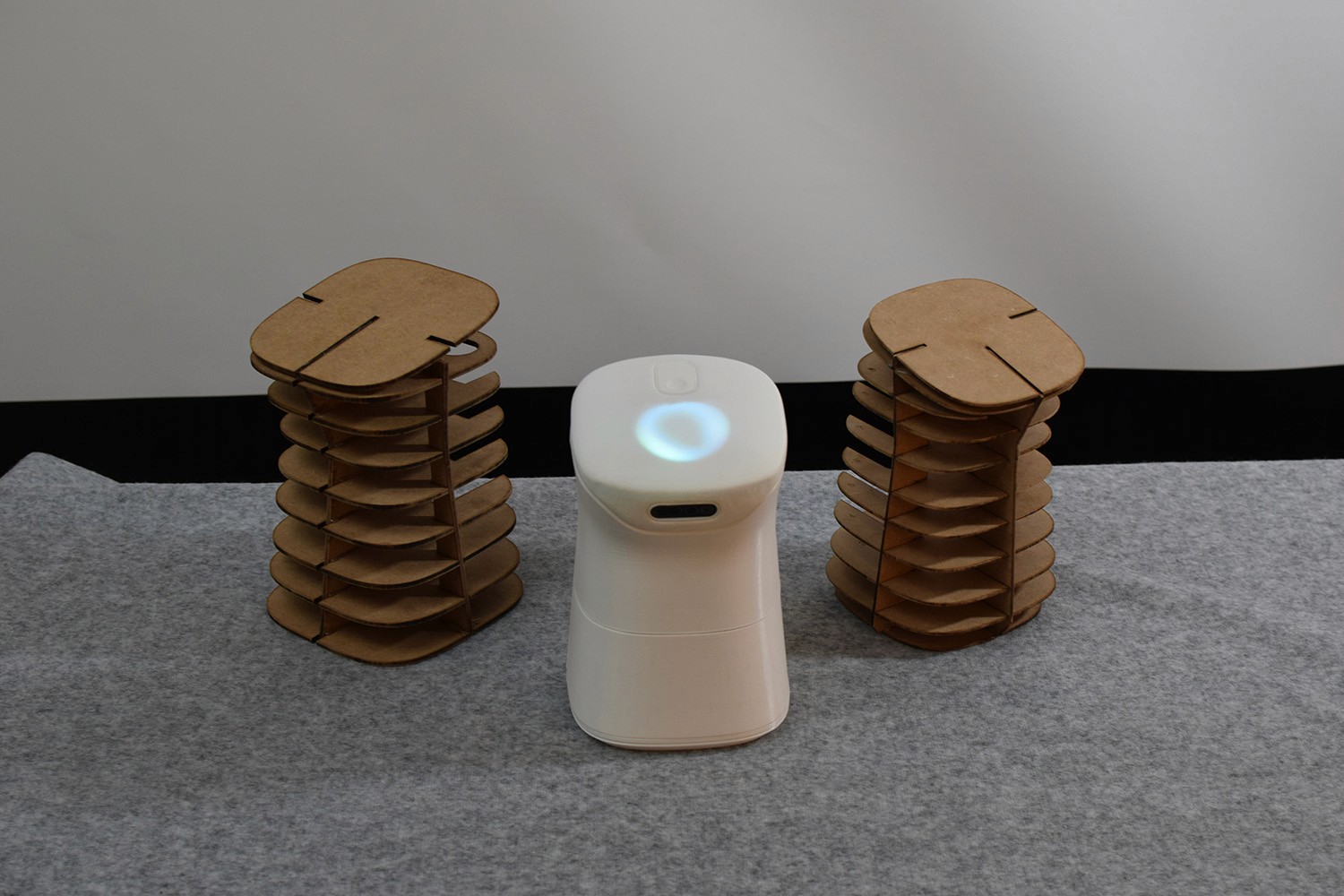
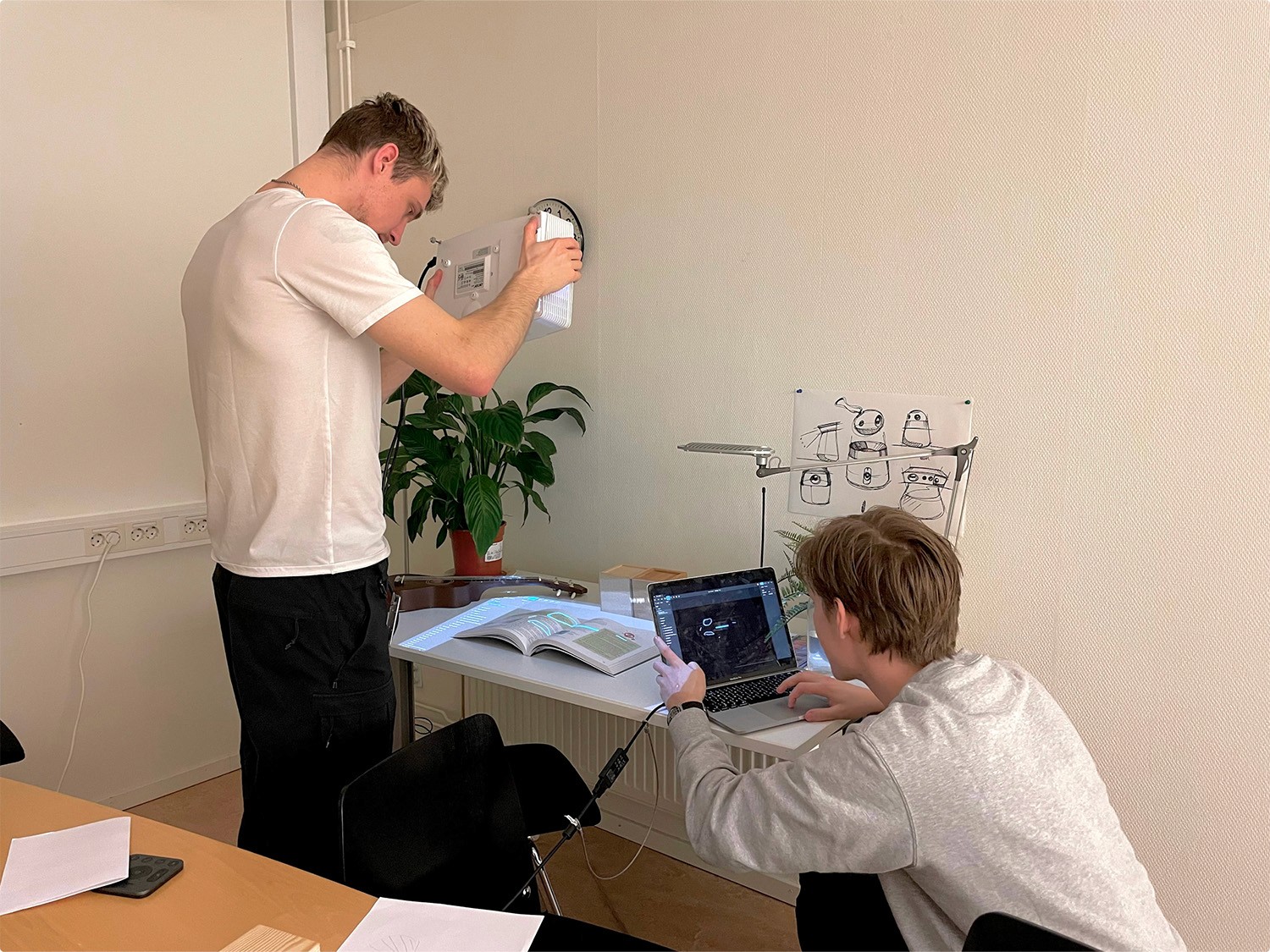
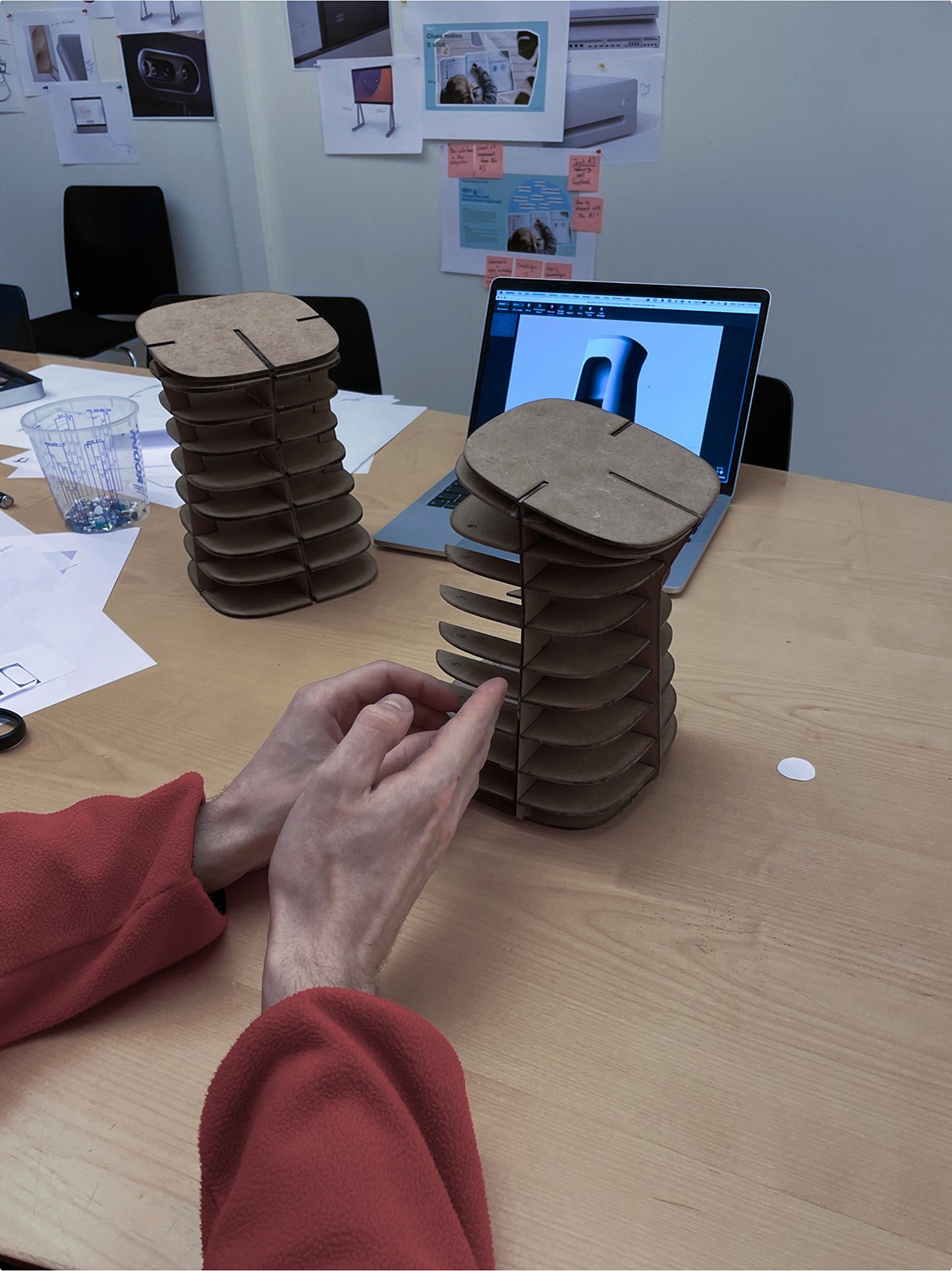
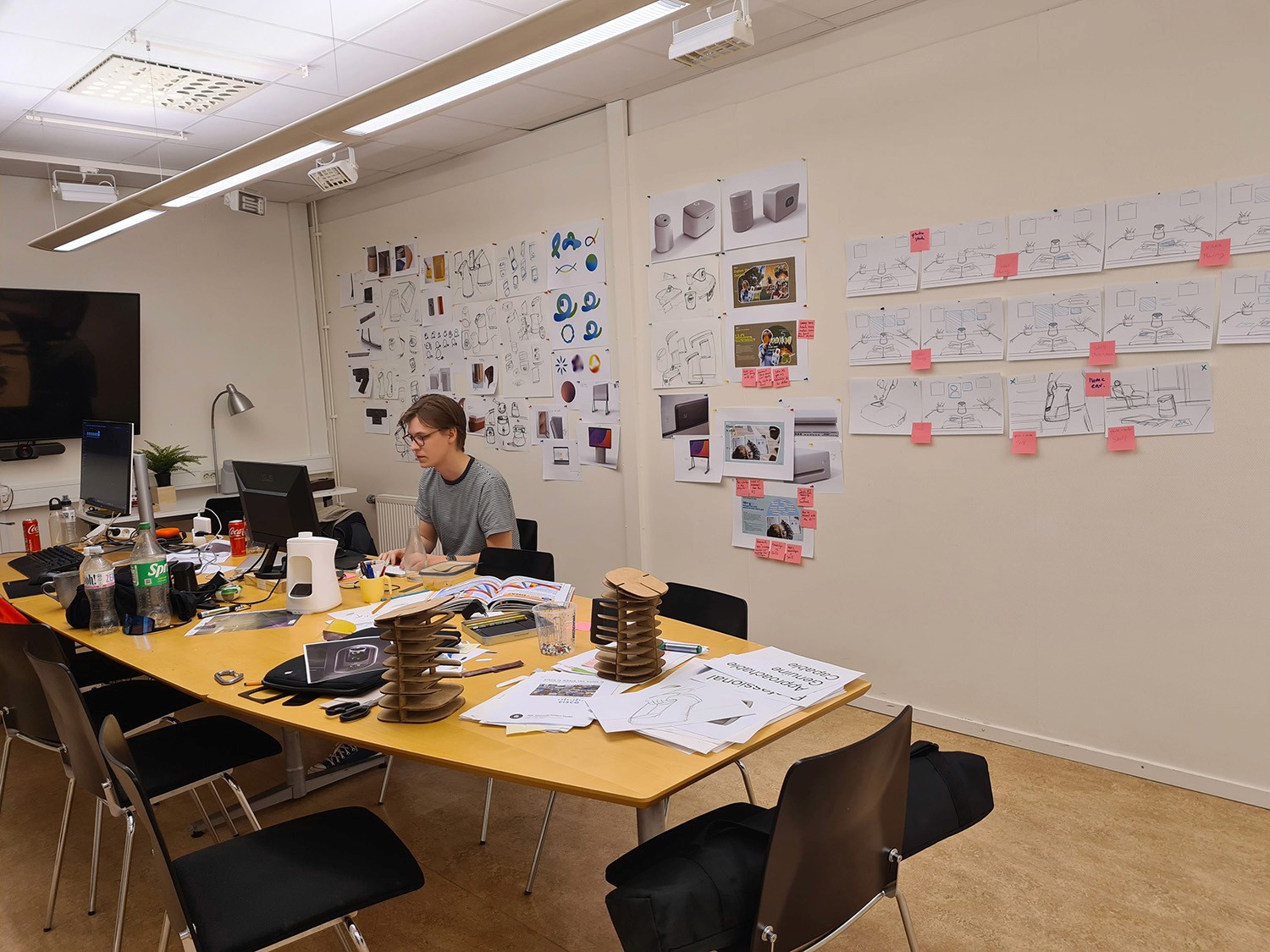
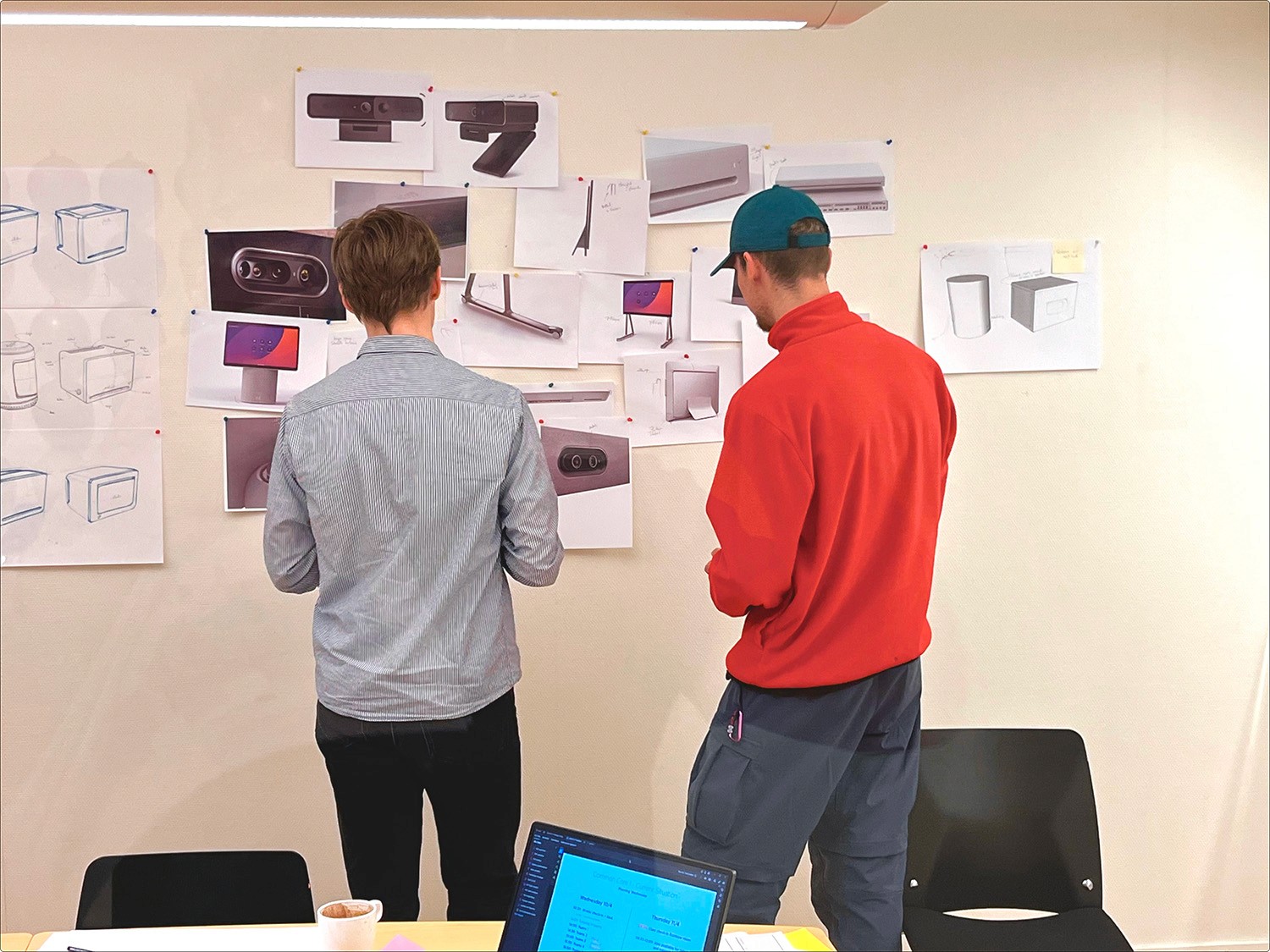
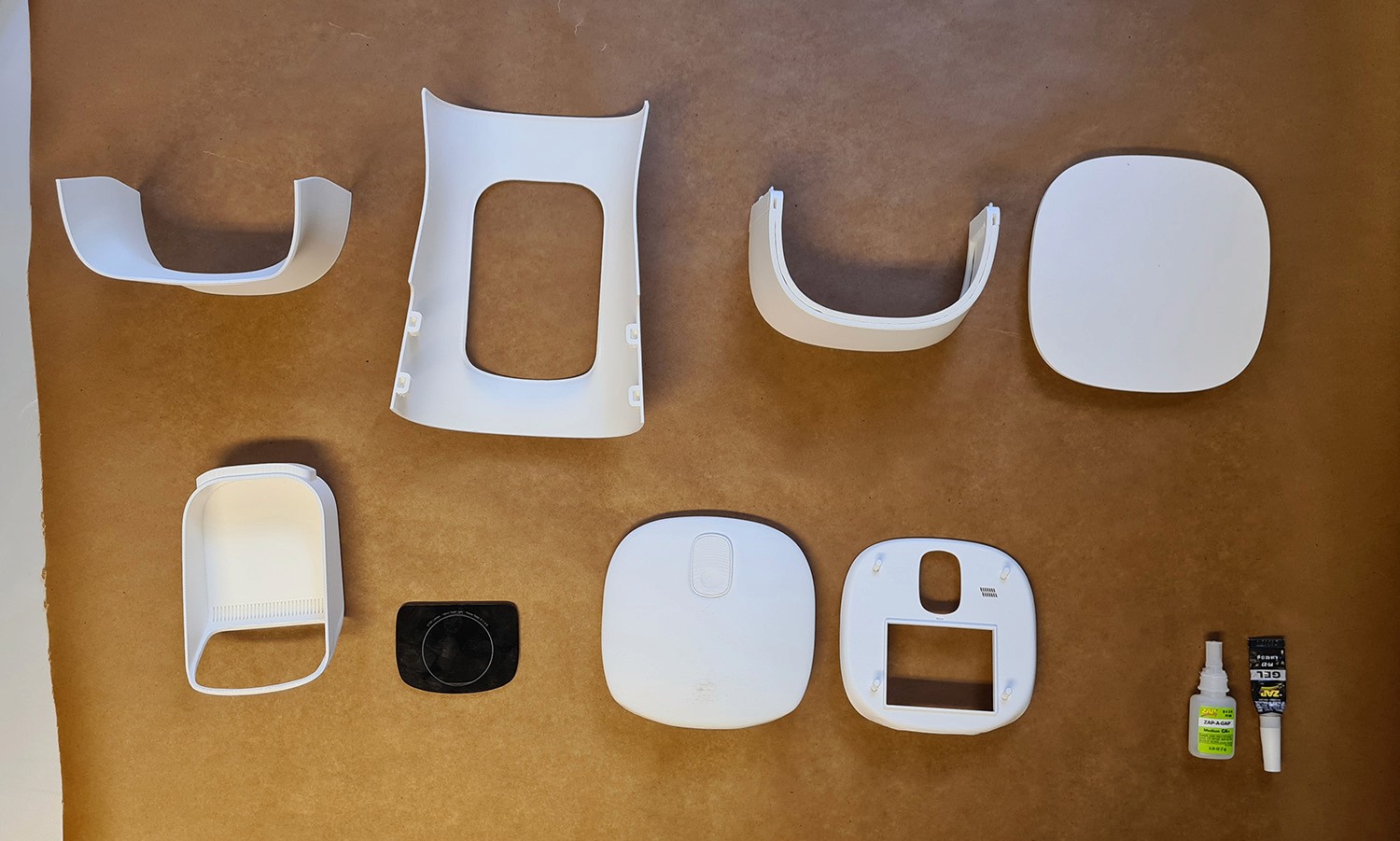
From the start we focused on exploring the physical form and the digital interactions. We worked with rapid sketching on both paper and in virtual reality. Early on we started building different prototypes to test shape, size and proportions as well as UI interactions.
Behind the scenes
From the start we focused on exploring the physical form and the digital interactions. We worked with rapid sketching on both paper and in virtual reality. Early on we started building different prototypes to test shape, size and proportions as well as UI interactions.
Next up
Next up